Used Android Google lock: seller, recovery or return
Bought a used Android asking for the old Google account? Identify the lock, contact the seller, protect return options and check setup before paying more.
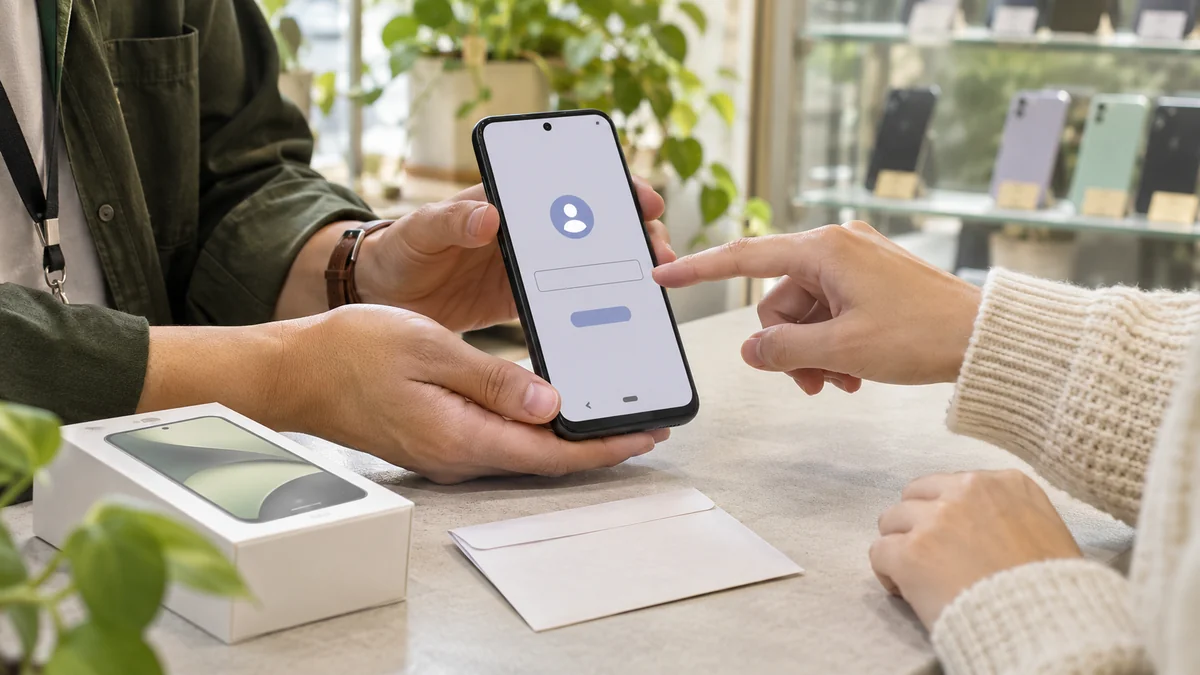
Table of Contents
- Identify the lock from the screen
- Send the seller a specific request
- Recover your own Google account
- Understand what a proper transfer changes
- Keep the return process usable
- When paid work makes sense
- Test the next used phone before accepting it
- Service terms
- Sources and further reading
- Frequently asked questions
A used Android asking for a previous Google account after reset has not completed its handover. Record the exact screen and contact the seller. The useful question is who can finish the transfer, not how often to reset it. Buyers and repair shops can use the steps below to choose between seller assistance, recovery of their own account, a return and a device assessment.
Identify the lock from the screen
Record when the message appears: before setup, after connecting to Wi-Fi, or only after inserting a SIM. Wording varies by model and language. These are clues, not a remote diagnosis.
| Screen or symptom | Next step |
|---|---|
| “Verify your account” requesting a previously synced Google account | Seller-assisted transfer or recovery of your own account |
| Samsung account or another manufacturer's account | That account owner or manufacturer support |
| “Your device at work” or organization enrollment | Seller and the named organization's administrator |
| “SIM PIN” or “SIM network unlock PIN” | SIM provider or carrier, according to the exact prompt |
Google's zero-touch guidance explains why company enrollment can return after reset. Resolving a Google prompt does not release organization management.
Send the seller a specific request
Keep the conversation in the marketplace or shop's support channel. Adapt this message:
The phone from order [reference] stops during setup at [exact message]. Can you complete the account removal and transfer on this handset, then let me verify setup online? Please enter credentials privately; do not send passwords or codes. If you cannot complete the transfer, please confirm the return procedure before [deadline].
If the seller is not the account holder, ask them to arrange that person's assistance or a return. For shop purchases, obtain a support reference. Repair shops should record the actual prompt at intake instead of classifying every setup problem as FRP.
Recover your own Google account
If an account previously used on the phone belongs to you, use Google's recovery process. Answer using recovery details you control. If you forgot the email address, the recovery flow can use a recovery phone or email and the account name.
A new account does not replace the previously synced account requested by FRP. Follow any previous screen-lock option actually offered by the phone. After a password change, follow current manufacturer guidance rather than assuming a fixed wait clears protection. Keep recovery codes private.
Understand what a proper transfer changes
On a phone the seller can access, back up wanted data, remove their Google accounts through the handset's settings and follow the manufacturer's reset instructions. Handle the manufacturer's account separately. Samsung's account-removal guide covers Google and Samsung accounts; its transfer preparation calls for account removal before resetting.
A Find Hub wipe erases data but can still require associated Google credentials afterward. Browser sign-out or an online device-list screenshot does not demonstrate a completed handover. Verify the outcome on the actual phone with internet access. See Google device protection.
Keep the return process usable
- Save the listing's condition and lock claims, payment reference, seller messages and delivery date.
- Record a short video showing setup stopping at the prompt. Hide email addresses and full serial or IMEI numbers in anything shared publicly.
- Open the platform's return or support route within the deadline shown for your purchase. Describe the observable fault: setup cannot finish.
- Before altering software or paying a third party, ask how that would affect the return. Keep shipping instructions and tracking.
For example, eBay provides an order-based return process. Use your marketplace's current rules; eligibility and outcomes depend on the transaction.
When paid work makes sense
The initial diagnosis is free. Paid work begins only after you approve the written quote for your device.
An assessment makes sense when you intend to keep the phone and seller assistance or official recovery cannot resolve it. Send the full model code, region if known, exact message, previous steps and a redacted screen photo. Provide Android version, build and security patch only if visible; otherwise mark them unknown.
Ask for supported scope, required computer or connection, data-loss expectations, written price, completion check and applicable refund terms before authorizing work.
Use the Samsung assessment or repair-shop assessment with those details. DroidRooter is independent of Google and does not recover Google passwords.
Test the next used phone before accepting it
- Before reset, compare the full model code with the listing and test charging, touch, cameras and sound.
- Have the seller remove their accounts on the accessible handset and complete the manufacturer's reset procedure.
- Connect to the internet and finish setup together. An offline welcome screen is insufficient. Check that no previous-owner or organization requirement appears.
- Confirm calls and mobile data with your intended carrier separately. Passing Google setup does not establish carrier eligibility.
- If you add your own account for testing and decide against buying, remove it on the handset before another reset.
Accept the handover after these checks, rather than relying on a promise to remove a lock later.
Service terms
DroidRooter's published FRP guide is USD 25 to USD 50, as an indication only. The written quote for your actual device controls. Support depends on the model and software, not simply the brand. Pixel 1 to Pixel 5 are within the confirmed service scope subject to variant checks; newer Pixel models are not currently offered for remote FRP unlocking. DroidRooter is not affiliated with Google and does not recover Google passwords.
Sources and further reading
Frequently asked questions
Does another factory reset clear the previous Google account?
A further reset can leave the same verification requirement. Resolve the account transfer or use recovery for your own previously synced account.
Can the seller fix this only by deleting the phone online?
An online action alone does not prove the result. Follow the manufacturer's transfer procedure and confirm internet-connected setup on the handset.
What should a repair shop record?
The full model code, exact prompt, visible software details, seller response and agreed scope. Keep passwords and recovery codes out of the job record.
Related recovery guides
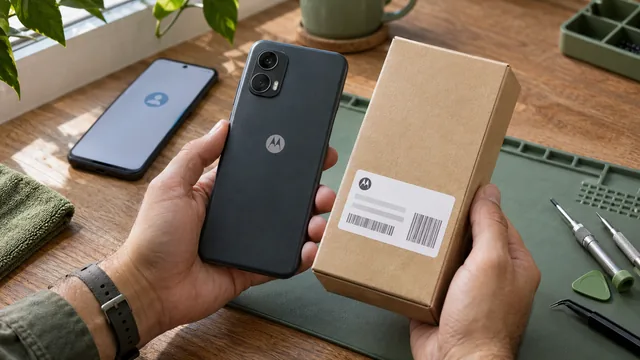
Motorola FRP Guide: Google Lock, XT Model and Recovery
Motorola asking for Google after a reset? Identify the lock, find the full XT model, recover your account and check a used phone before paying for help.
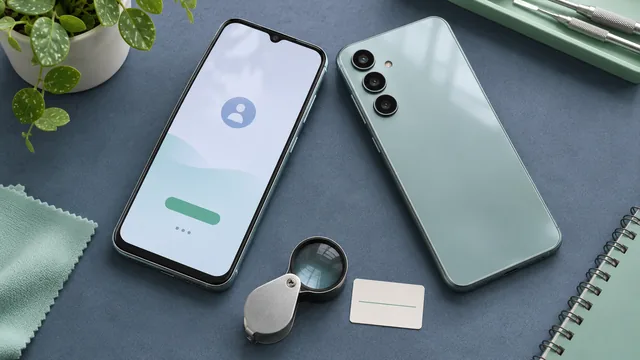
Galaxy A12 to A16 Google Lock: Identify and Recover
Galaxy A12, A13, A14, A15 or A16 asking for Google after reset? Read the prompt, identify your SM model and choose the right account or support route.
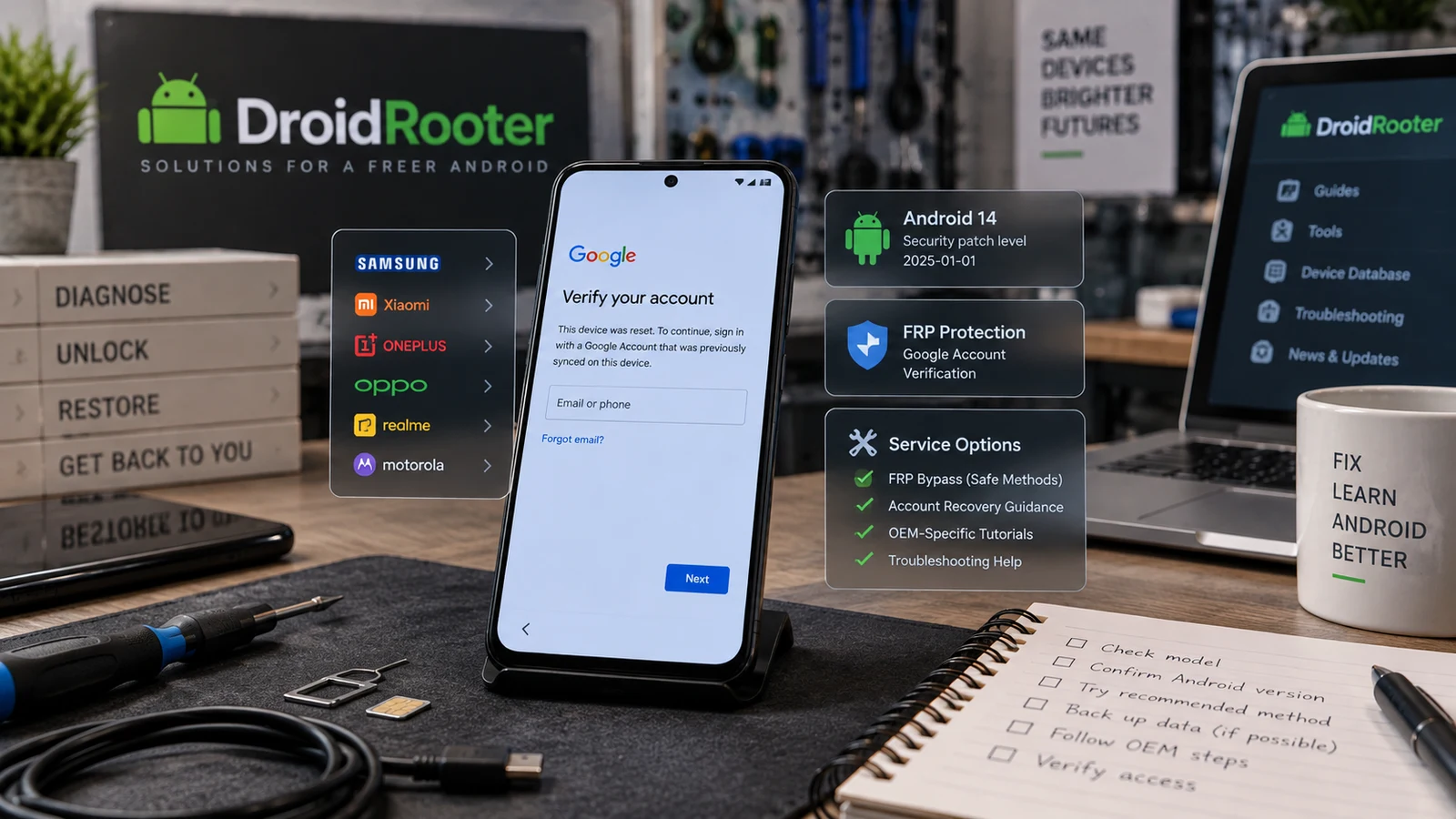
Android FRP Bypass Guide 2026
Stuck at Google verification after a reset? Identify the lock, review official recovery options and check your Android model for FRP service.