Motorola FRP Guide: Google Lock, XT Model and Recovery
Motorola asking for Google after a reset? Identify the lock, find the full XT model, recover your account and check a used phone before paying for help.
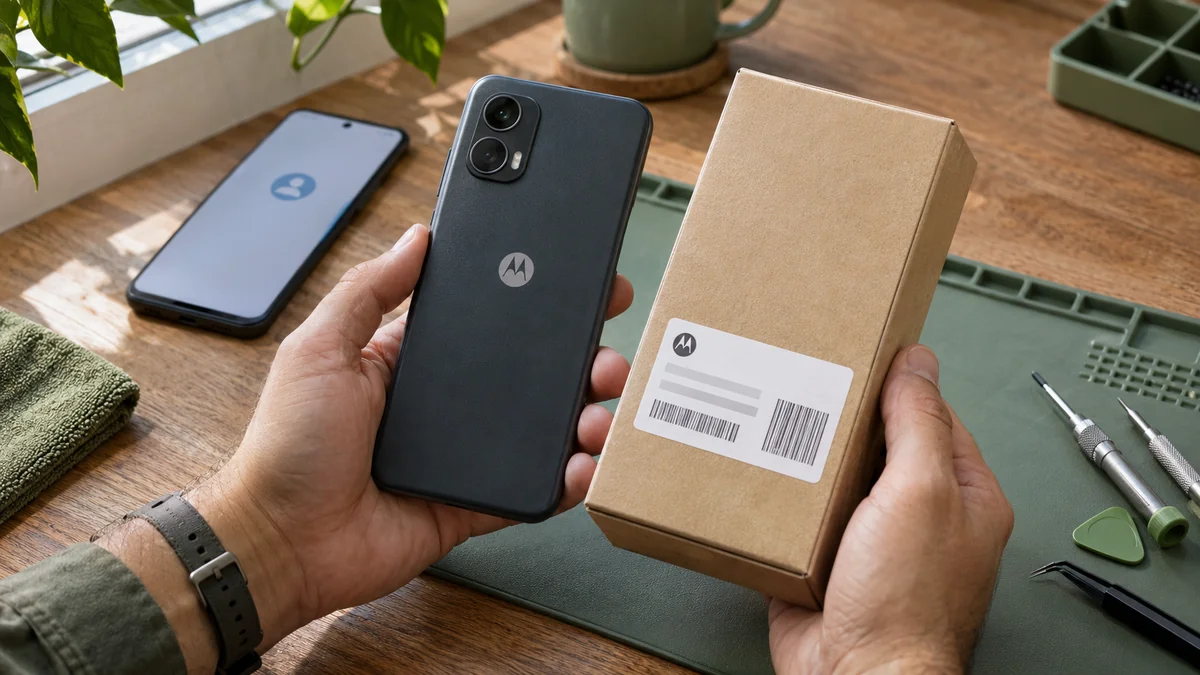
Table of Contents
- 1. What is the phone actually asking for?
- 2. If it is your account, recover that first
- 3. If you bought it used, contact the seller early
- 4. Identify the Motorola beyond its family name
- 5. An unknown patch is better than a guessed one
- 6. Send a request that gets a useful answer
- 7. Check the result on the actual phone
- Service terms
- Sources and further reading
- Motorola FRP questions
A Motorola that reaches the welcome screen but stops at Google verification has not finished setup. Another reset is rarely a useful next step. Start with the exact message, identify the Motorola variant and choose between recovering your account, asking the seller to complete the handover or requesting help for that particular phone.
1. What is the phone actually asking for?
The timing matters as much as the wording. A PIN prompt on your normal lock screen is different from verification during setup after a reset. Read the whole message before choosing a repair.
| What you see | Where to start |
|---|---|
| Google account previously synced to the phone | Prior account or Google account recovery |
| Previous PIN during setup | The verification options offered on that screen |
| Everyday PIN before any reset | Screen-lock support |
| SIM network unlock code | The original carrier |
| Company name or required enrollment | The organization's administrator |
Google's device-protection guide explains why verification can survive a factory reset. A newly created account does not replace the prior-account check. More than one restriction can exist on the same phone.
2. If it is your account, recover that first
Use an account previously added and synced to this Motorola. If you used several accounts, check your own saved account details or another device where you are still signed in. Google says an eligible prior account need not be the first account, but a guest account does not count.
For a forgotten address, password or missing verification code, follow Google's recovery instructions on another device. Enter credentials yourself. A repair chat does not need your Google password or verification codes.
After a recent password change, follow the instructions shown for your case. Motorola's advice to wait 24 hours after changing a Google password concerns preparation before resetting. It is not a promise that an already locked phone will unlock when a timer expires.
3. If you bought it used, contact the seller early
Send the seller the exact setup message and ask them to complete the transfer securely. They should handle their own account without sharing their password. Keep the listing and purchase messages while discussing help, return or replacement, especially if a return deadline is approaching.
A seller showing the welcome screen has not demonstrated that setup completes. For the next handover, Motorola recommends removing the screen lock and Google accounts on the accessible phone before resetting. Check the device together through setup. Our used Android buying guide covers the seller conversation in more detail.
4. Identify the Motorola beyond its family name
“Moto G” is too broad for a useful answer. Write down the full product name and model year, not just the year you bought it. Keep 5G in a Moto G Power or Moto G Stylus name when present; for Edge, preserve the full regional name.
- If Settings opens, check About phone, then Model or Device details > Model. Look for Model Number (SKU). Other versions use Model & hardware.
- Copy the entire XT code, including its suffix, plus the original country and carrier if known.
- If setup blocks Settings, use the box or purchase record as a provisional reference and say where the information came from. Do not infer the XT code from the camera layout.
Motorola lists the model-number menu variations here. An identification match is a starting point, not proof that a particular service works.
5. An unknown patch is better than a guessed one
If already visible, record Android version, build number and Android security patch date separately. “Android 14” alone does not identify the installed software. If Settings is unavailable, write “unknown”; you do not need to complete setup merely to ask for advice.
A video for the same Moto G name can involve another year, carrier or older patch. Before buying a tool or changing firmware, compare those details and ask what the proposed operation actually solves. A firmware repair, SIM unlock and Google verification service have different purposes. Read our guide to FRP tool and compatibility claims for the questions to ask.
6. Send a request that gets a useful answer
If recovery or seller assistance has not resolved the problem, use the Motorola service page for a device-specific assessment. This example is a template, not a customer case:
“Motorola [full product name and model year], XT [full code], [original country/carrier]. After [what happened], setup shows [exact message]. Android/build/patch: [known values or unknown]. I have tried [brief steps]. Can you assess this restriction, explain the equipment needed and quote the work?”
Hide email addresses and full IMEI or serial numbers in screenshots. Ask what result is included, whether a computer or remote session is required, the estimated time and the applicable terms. Agree these before starting. A family name cannot establish support for every patch, and handset work does not restore files erased by a reset.
7. Check the result on the actual phone
After supported work or account recovery, complete setup on a working internet connection and confirm that you can reach the home screen using your own account. Restart and check that normal access works. Record any remaining SIM or company-enrollment prompt separately so it is not mistaken for the original Google issue.
Before a future reset, back up accessible data, check that your account recovery details are current and follow Motorola's transfer preparation. For a repair shop, perform the setup check on every device in the batch. One completed phone or a successful tool message does not establish the result for the others.
Service terms
The published FRP price indication is USD 25 to USD 50. This is not a fixed price for every Motorola: the written device-specific quote controls. Diagnosis is free and payment follows your confirmation that the agreed fix works. The existing 30-day same-issue re-fix applies under the published terms. Confirm estimated timing before work. Refund requests follow the refund policy and are not guaranteed. Network, management and other account restrictions require a separate assessment.
Prices and published terms · Terms · Refunds
Sources and further reading
Motorola FRP questions
Will resetting my Motorola again remove FRP?
A protected reset can still require prior-account or screen-lock verification. Use the options shown and recover your account or contact the seller before trying another erase.
Can I request help without knowing the security patch?
Yes. Send the full XT model and exact screen message, and mark the build and patch as unknown. Do not guess from a tutorial for a similar phone.
Does SIM unlocked mean the Google lock is gone?
No. Carrier network restrictions and Google setup verification are separate. Check that setup completes on the actual device.
Will this recover photos erased by the reset?
Resolving setup verification does not recover erased local files. Any existing cloud backup is a separate matter tied to the account that holds it.
Related recovery guides
Galaxy A12 to A16 Google Lock: Identify and Recover
Galaxy A12, A13, A14, A15 or A16 asking for Google after reset? Read the prompt, identify your SM model and choose the right account or support route.
Used Android Google lock: seller, recovery or return
Bought a used Android asking for the old Google account? Identify the lock, contact the seller, protect return options and check setup before paying more.
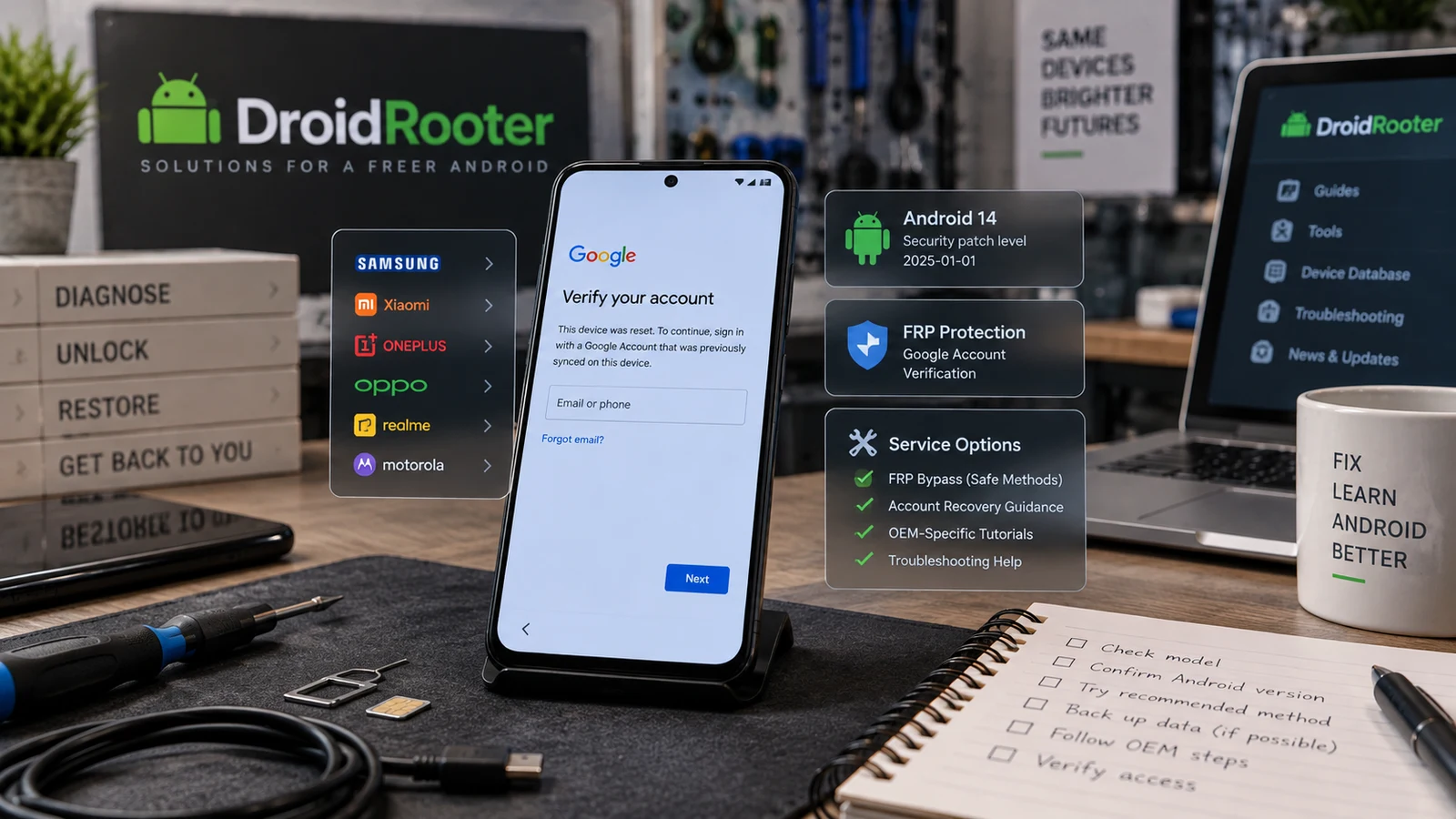
Android FRP Bypass Guide 2026
Stuck at Google verification after a reset? Identify the lock, review official recovery options and check your Android model for FRP service.