// blog / category / troubleshooting
Troubleshooting Guides — Droid Rooter
Hand-tested Android troubleshooting content from Droid Rooter — tutorials, fixes and walk-throughs from a working IT support engineer. Free reading.
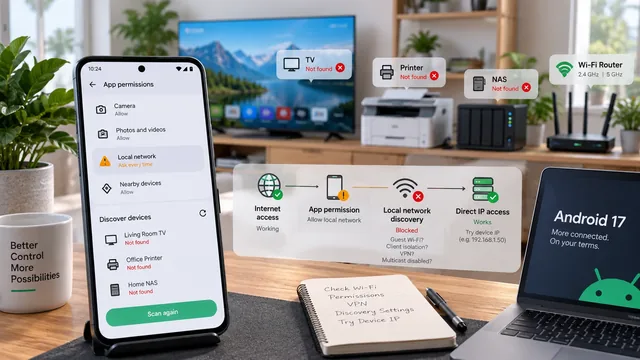
Android 17 Can't Find Your TV, Printer or NAS? Check These Settings
A missing device is not always a broken Wi-Fi connection. Separate Android app permissions from discovery, routing and router isolation problems.
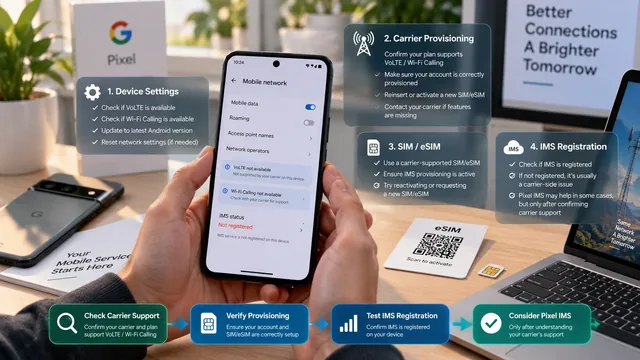
Pixel VoLTE or Wi-Fi Calling Missing? Check Carrier Support Before Using Pixel IMS
A missing toggle, an unprovisioned SIM and failed IMS registration are different problems. Find the layer that failed before changing telephony configuration.
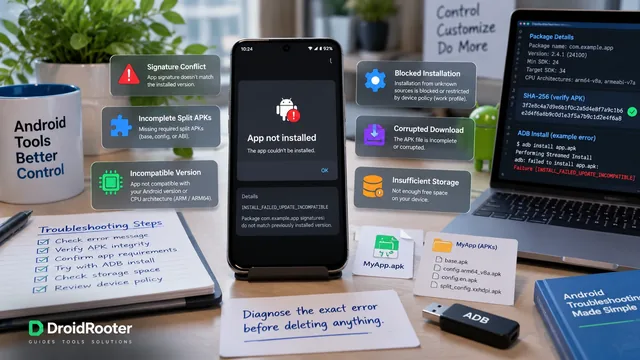
APK Won't Install on Android? Diagnose the Error Before Deleting Anything
Start with the actual installer error, not a factory reset. A practical guide to APK signatures, split packages, Android requirements and safer next steps.
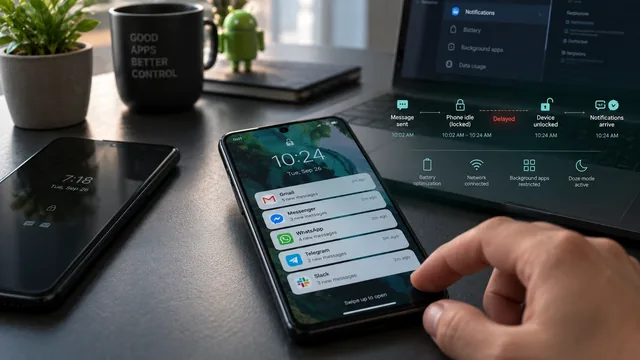
Android Notifications Only Arrive When You Unlock? Samsung and Pixel Fixes
Quiet phone, then a flood of messages? Find out whether your alerts are delayed, silent or hidden, and follow the checks that match your Samsung or Pixel.
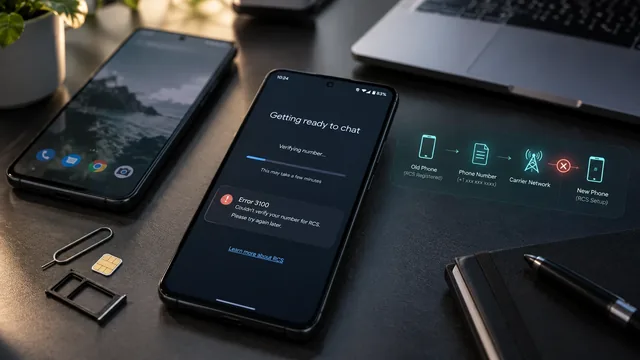
Google Messages RCS Stuck on Setting Up or Error 3100 After Switching Phones
Get your messages moving again with a clear guide to number verification, old-phone registration, dual SIM and the elusive error 3100.
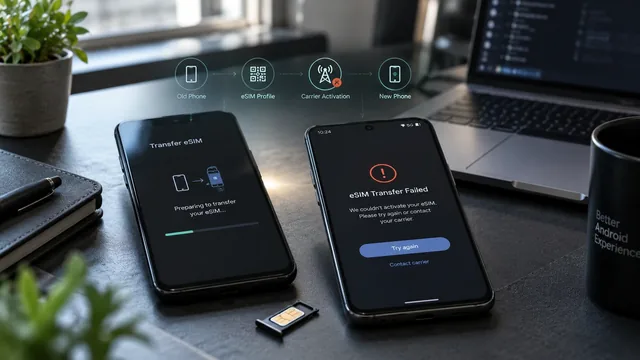
Android eSIM Transfer Failed: Pixel, Samsung and Carrier Troubleshooting
Your apps moved, but your phone number did not. Work out whether setup, activation or number porting needs attention before deleting a working eSIM.
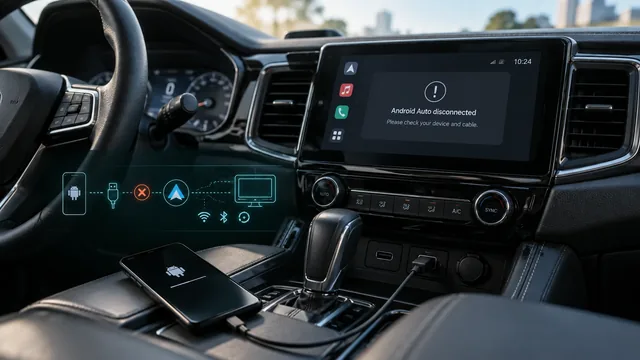
Android Auto Keeps Disconnecting After an Update: Samsung and Pixel Fixes
Map gone, music stopped, phone still charging? Separate cable, wireless, app and update problems with a simple test sequence.
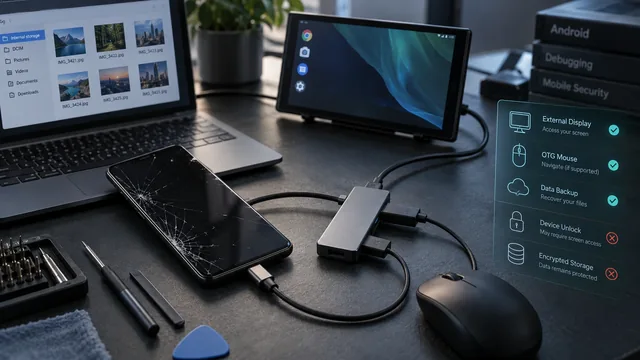
Recover Android Data With a Broken Screen and No USB Debugging
A broken screen does not always mean lost files. Find the recovery route your phone actually supports, even when USB debugging was never enabled.
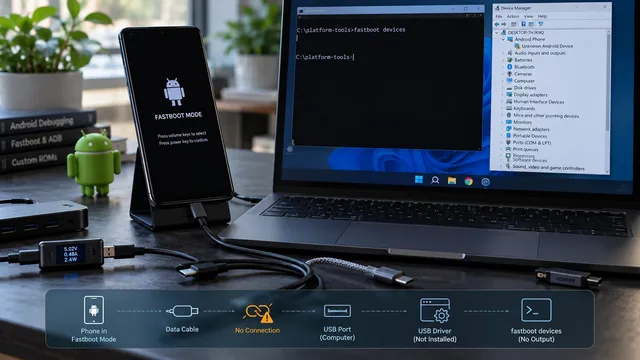
Fastboot Device Not Detected: Cable, Driver, USB and Mode Checks
An empty fastboot devices output has six possible causes and only one of them is the driver. Here is how to isolate each layer in order.
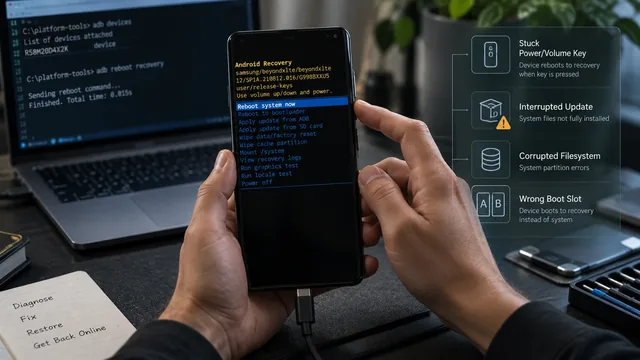
Android Keeps Booting Into Recovery: What to Check
Recovery is not a crash. The bootloader chose it. Six things cause that choice, and one of them is a stuck volume key you can rule out in ten seconds.

Android Phone Won't Turn On: Software vs Hardware Diagnosis
Remote software help and a soldering iron fix different problems. Four observations tell you which one your phone needs, and one of them costs nothing.
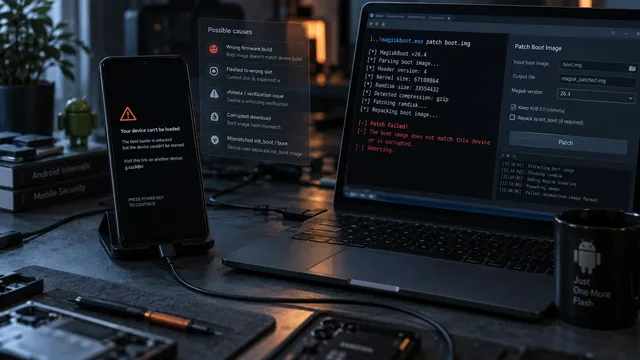
Magisk Flash Failed? Diagnose the Boot Image Before You Wipe
A bootloop after patching is a diagnosis problem, not a wipe problem. Six things commonly go wrong and the symptom usually tells you which one.
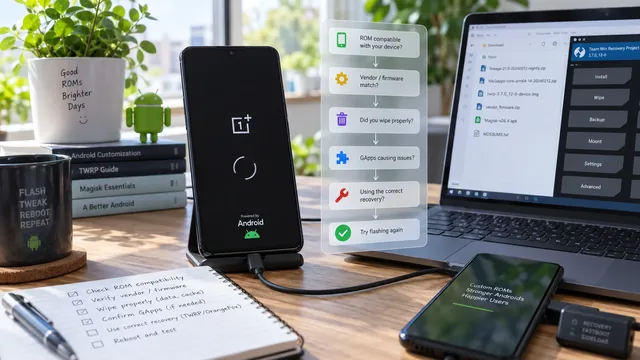
Bootloop After a Custom ROM Flash: What Usually Needs Checking
A ROM that will not boot is usually a mismatch between the ROM and something underneath it. The decision tree finds which layer disagrees.
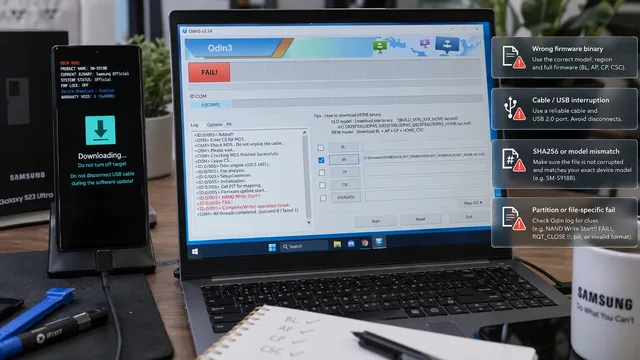
Samsung Odin FAIL Errors: Read the Log Before You Flash Again
Odin tells you where it stopped and on which file. That line is the diagnosis. Retrying with a different Odin version is not.
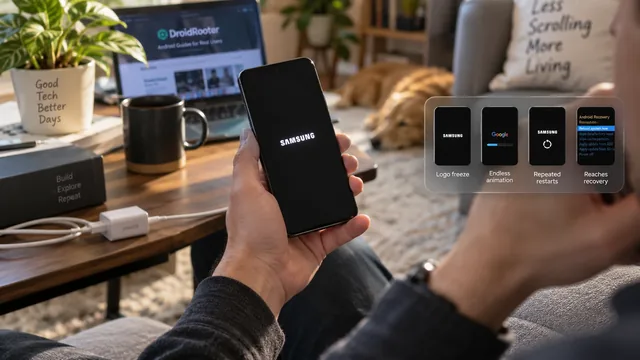
Android Stuck on the Boot Screen: What Each Symptom Means
Guides treat every boot failure as one problem. It is not. The stage your phone reaches before it stalls tells you where the fault sits and what it will cost to fix.
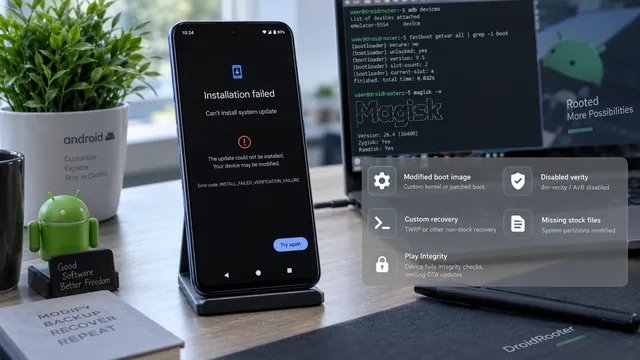
OTA Update Failed on a Rooted Android: Diagnose Before Reflashing
A failed OTA on a rooted phone is normally the update engine doing its job. Work out what it objected to before you reach for a full firmware flash.
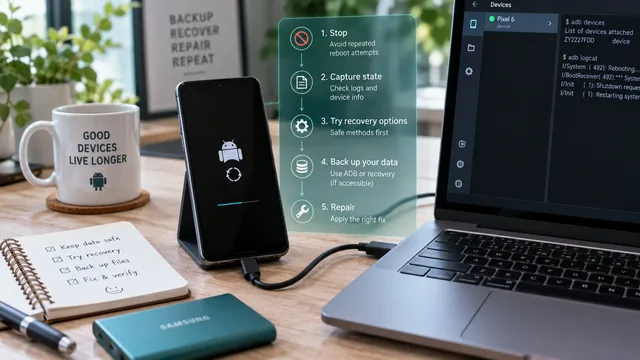
Fix an Android Bootloop Without Losing Your Data
A bootloop does not erase anything on its own. Every real data loss in a bootloop comes from the repair step. Here is the order that keeps your files intact.
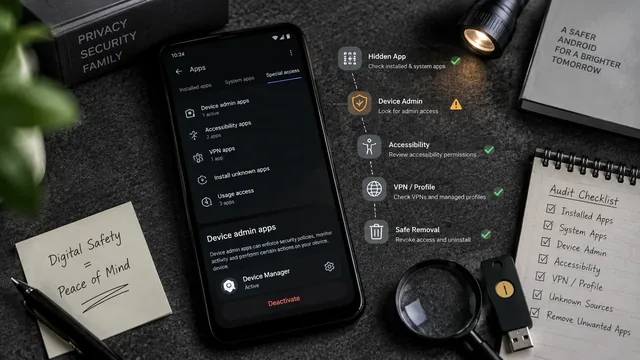
Parental Control App Detection & Removal on Android
How parental control & spyware apps hide on Android, how to detect them, the safe removal path, and what to do if monitoring is being used against you.
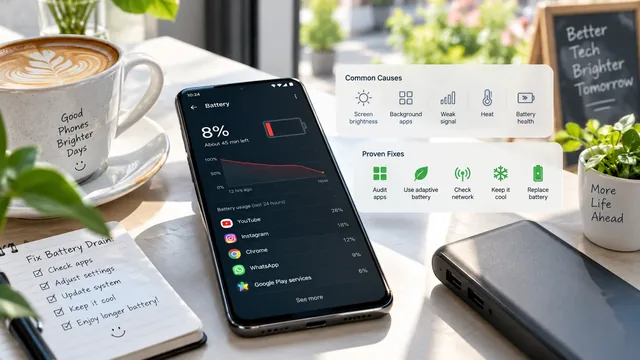
Android Battery Draining Fast? 15 Proven Fixes (2026)
Android battery draining too fast? Here are 15 proven fixes you can try today — from app audits to charging tips and when the battery itself is failing.
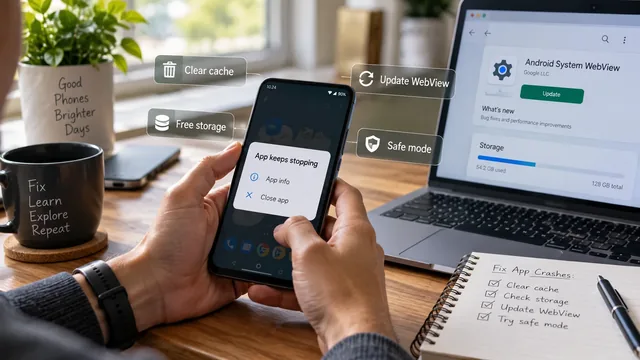
Android Apps Keep Crashing — Fix It Permanently (2026)
Android apps keep crashing? Fix it permanently — clear cache vs clear data, free RAM, resolve OS-version mismatches and stop the worst offender for good.
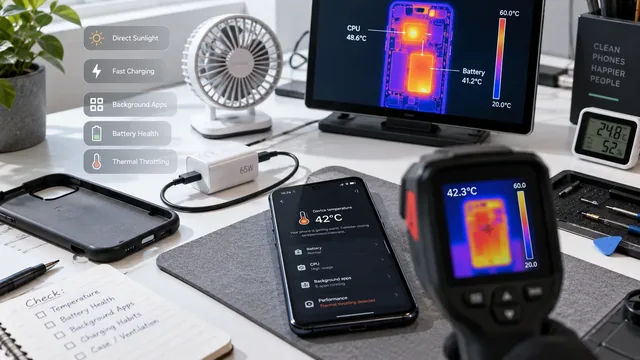
Android Phone Overheating? 12 Fixes That Actually Work
Android phone overheating? 12 fixes that actually work — easy software tweaks first, then when it's a hardware failure that needs a battery swap.
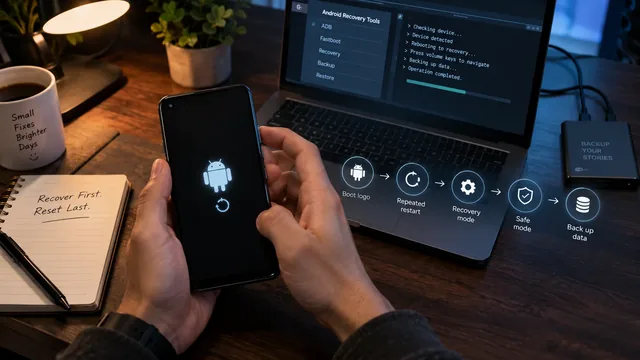
Android Stuck in Boot Loop — Complete Recovery Guide
Android stuck in a boot loop? Complete recovery guide — safe mode, recovery cache wipe, brand-specific combos, factory reset, and when the phone is bricked.
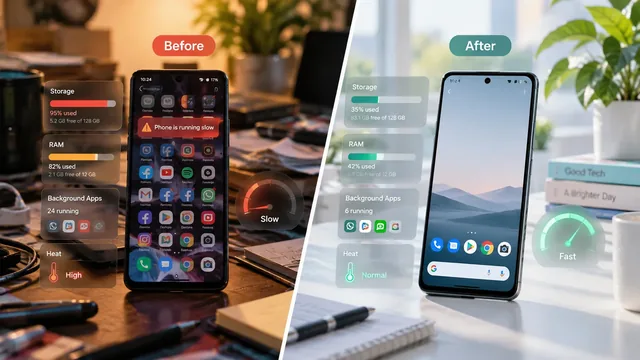
Why Is My Android Phone So Slow? Complete Fix Guide (2026)
Why is your Android phone slow in 2026? Complete fix guide — RAM, storage, background apps, heat, plus a comparison table of causes vs. fixes that work.
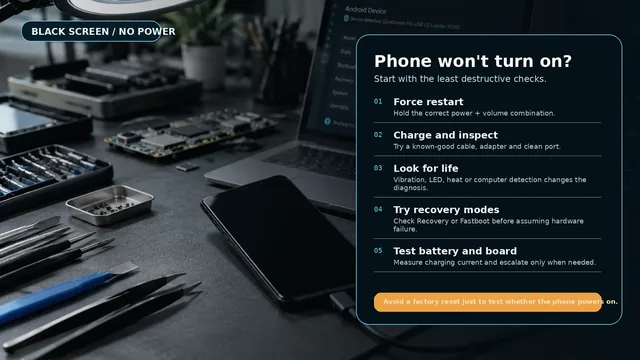
Android Phone Won't Turn On — Every Fix That Works
Android phone won't turn on? Walk through every reliable fix — soft reset, force restart by brand, charging diagnosis, boot-loop check and when to get help.
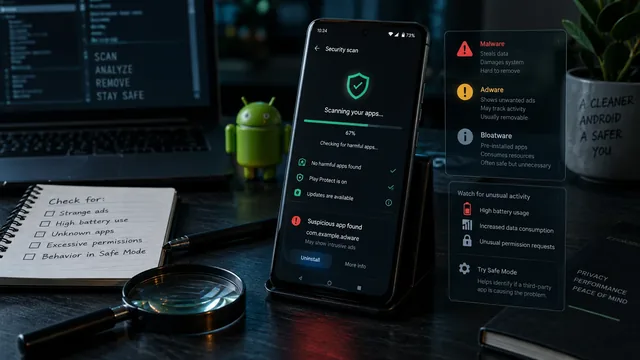
Android Virus or Just Adware? How to Tell and Remove It
Is it really an Android virus? How to tell adware from malware from bloatware, find and remove it, and the 5 'antivirus' apps to never install on your phone.
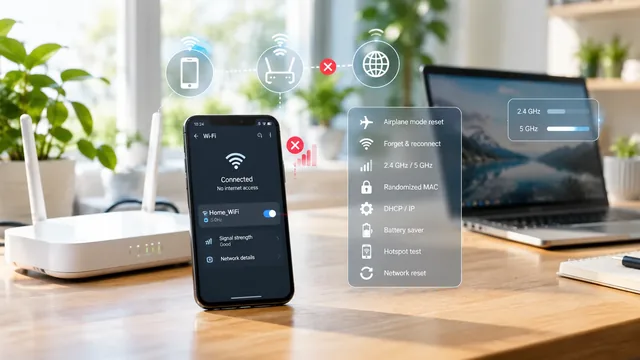
Android Wi-Fi Keeps Disconnecting? Here Are 11 Fixes
Android Wi-Fi keeps dropping? 11 fixes — airplane-mode toggle, forget-and-reconnect, IP conflicts, Wi-Fi power save and network-settings reset.
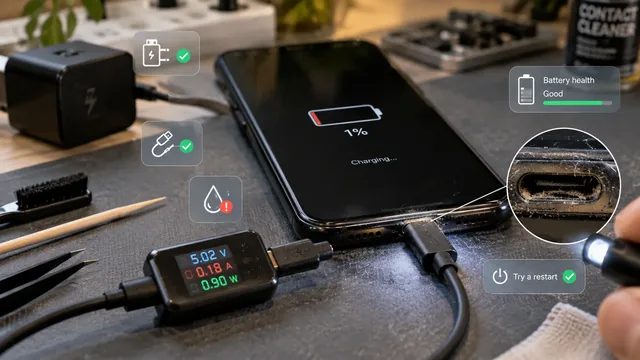
Android Won't Charge? 9 Fixes Before You Buy a New Phone
Android phone won't charge? 9 fixes to try before buying a new phone — cables, ports, batteries and a few weird software tricks that actually work.