Android Stuck on the Boot Screen: What Each Symptom Means
Guides treat every boot failure as one problem. It is not. The stage your phone reaches before it stalls tells you where the fault sits and what it will cost to fix.
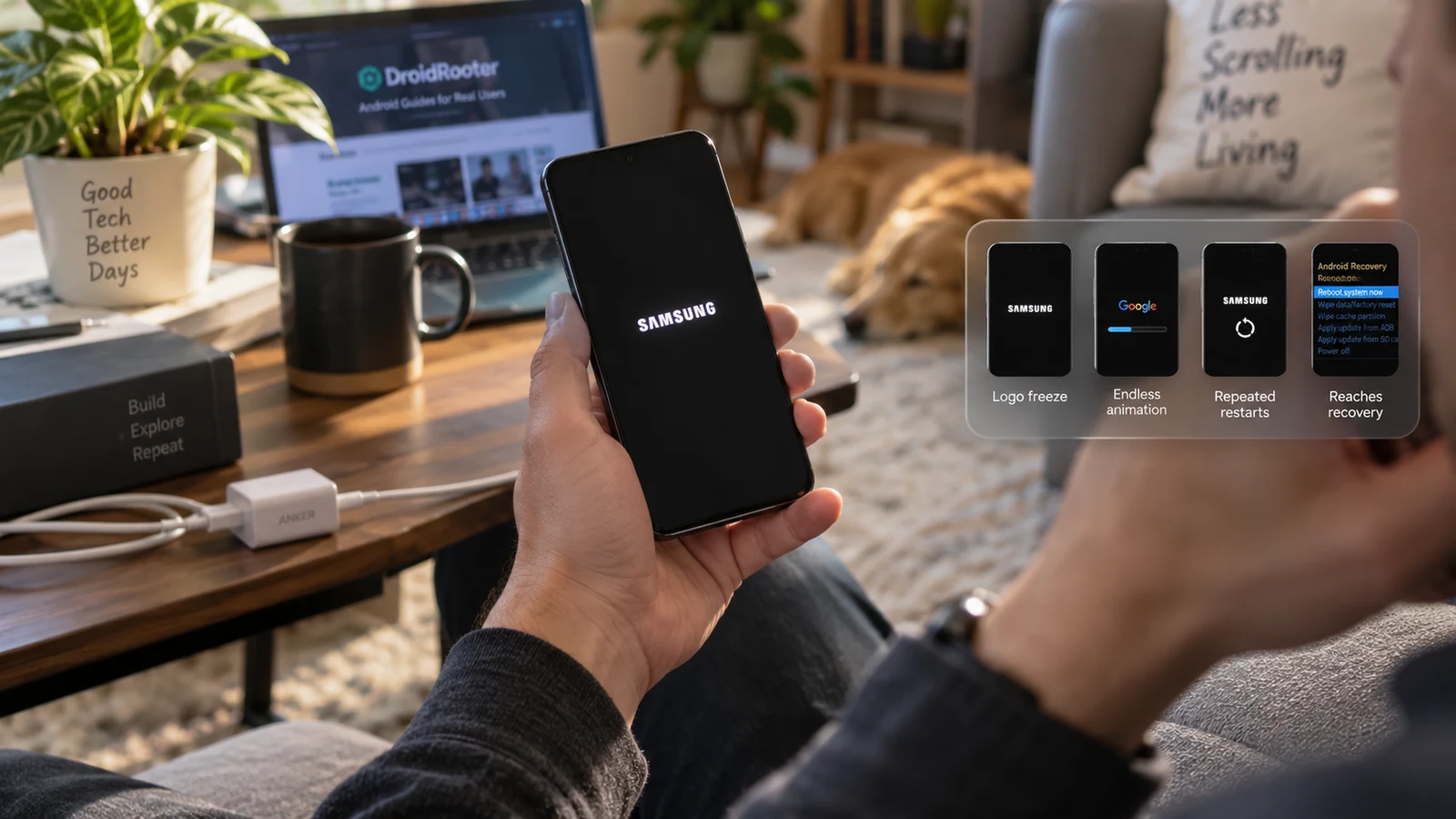
Table of Contents
- Why the symptom matters more than the label
- The five states, and what each one implies
- Static logo freeze
- Boot animation loop
- Black screen with the backlight on
- Lands in recovery or fastboot every time
- Repeated reboots with vibration and no display
- Safe first checks
- When hardware becomes the likely answer
- When data preservation changes the plan
- Frequently asked questions
"Stuck on the boot screen" covers at least five distinct faults with different causes, different repair paths and different data risk. The stage your device reaches before it stalls tells you which one you have. Match the symptom first, because the fix for a logo freeze can make an animation loop worse.
Why the symptom matters more than the label
Android boots in stages. Power management comes up, the bootloader runs and verifies what it is about to load, the kernel starts, then userspace initializes, then the system server starts, then the launcher appears. Each stage can fail, and the screen shows you roughly how far it got.
That is real diagnostic information and almost nothing in the search results uses it. A phone frozen on a static manufacturer logo failed at a different point than a phone that plays its full boot animation for two minutes and then restarts. Treating both as "boot loop, try a factory reset" throws away the only free evidence you have.
The five states, and what each one implies
| Symptom | How far it got | Likely categories | Hardware likelihood | Data risk of the standard fix |
|---|---|---|---|---|
| Static logo, no animation, sits indefinitely | Bootloader handed off, then stalled | Boot image mismatch, verified-boot rejection, kernel panic before display init | Low to moderate | Low if the correct boot image is available |
| Boot animation plays then restarts, on a cycle | Kernel is running, userspace failed | Corrupted system partition, incompatible root module, failed OTA, app crashing at startup | Low | Low to moderate |
| Black screen, backlight on, no logo | Unclear, possibly nothing | Display or panel connector fault, failed early boot, backlight without image | Moderate to high | Depends entirely on the cause |
| Boots straight to recovery or fastboot every time | Bootloader ran and chose not to load the OS | Slot marked unbootable, stuck hardware key, missing or invalid boot image | Low unless a key is stuck | Moderate, the menus contain destructive options |
| Reboots repeatedly with vibration, no display at all | Very early, possibly pre-display | Power delivery, battery, storage or SoC fault | High | Software repair rarely addresses it |
Take the row that matches and read its section below.
Static logo freeze
The bootloader completed its job and handed control onward. Something after that point stopped without recovering.
On a device where the bootloader is unlocked and a boot image was recently modified, the image is the leading candidate. A boot image built for a different firmware build than the one installed can produce exactly this: the bootloader accepts it, the kernel starts, and initialization fails silently. This is a recurring outcome after a root attempt, and it has its own diagnostic path.
On a device that was never modified, a logo freeze after an update points at the update. On a device that was never modified and never updated, it points at storage or at a failing component.
The useful test: connect it to a computer and check whether it enters fastboot from the bootloader key combination. A device that reaches fastboot has a working bootloader and a large set of software options. A device that will not reach fastboot has fewer.
Boot animation loop
The kernel is running. That is significant, because it rules out most of the low-level failures. The display works, the SoC works, the storage is readable enough to load a kernel.
What fails here is userspace: system services, the runtime, or something injected into the boot process. Common candidates are a root module that crashes at startup, a system partition damaged by an interrupted update, or an app with a startup component that brings the system down.
This state is the one where a non-destructive fix is most likely to exist. Safe mode, if the device will reach it, disables third-party apps. Root frameworks have documented ways to boot with modules disabled. Both leave user data untouched.
Black screen with the backlight on
This is the ambiguous one, and the ambiguity is the point. A lit screen with no image can mean the panel is receiving power but no signal, that the display connector has worked loose, or that the device is in fact booting normally and only the display output has failed.
Test for the second possibility before assuming the worst. If the device is booting, it will respond to input even without a visible screen. Plug it into a computer and check whether ADB sees it. If a notification sound plays on an incoming message, the system is running. If the device charges and shows a charging indicator when off but nothing when on, that is a different signal again.
Physical history matters here more than anywhere else. A device that was dropped or exposed to liquid before the black screen appeared is a hardware case, and no amount of flashing changes that. A phone that will not turn on at all follows a different checklist.
Lands in recovery or fastboot every time
The bootloader ran, and it decided not to load Android. That is a deliberate choice by the device, not a crash, which makes it more tractable than it looks.
Two very different causes produce it. One is a stuck volume key, or a case pressing a button, which makes the device read a mode-select input on every power-on. That is a five-second check and it costs nothing. The other is that the bootloader could not validate or find a bootable image and fell back.
On devices using A/B slots, there is a third possibility: the bootloader tried the active slot, the boot attempts failed, and it marked the slot unbootable. Repeated power cycling can trigger that on its own, which is why the advice to keep restarting is not harmless. The full checklist for this state is in Android keeps booting into recovery.
Repeated reboots with vibration and no display
The device is cycling before it gets far enough to show anything. This is the state with the highest hardware likelihood in the table.
Candidates are power delivery, a swollen or failing battery, a storage chip that cannot be read, or a fault in the SoC or board. A phone that vibrates and restarts on a loop, particularly one that also runs warm, is telling you about a component and not about its firmware.
Software repair attempts here can fail in ways that make the situation worse, because a flash to a device with unstable power or unreadable storage can leave partitions in a partial state.
Safe first checks
Everything here is non-destructive. None of it writes to your data partition.
- Charge it, on a known-good charger, for thirty minutes, and leave it alone. Low battery produces boot behaviour that looks like a system fault.
- Remove the case and the SIM tray. Check that no button is depressed. Press each volume and power key and feel for a click.
- Remove any SD card and any accessory. Boot with nothing attached.
- Force a power-off using your device's key combination, then power on once, deliberately, and watch it. One attempt, observed, beats ten attempts unobserved.
- Connect to a computer and check
adb devicesandfastboot devicesin each state the phone will enter. Record what appears. If nothing appears, work through the fastboot detection checklist before drawing conclusions about the phone. - Photograph any error text, in full, including partition names and codes.
That is the complete list of things you can do without risk. Everything past this point involves writing to the device.
When hardware becomes the likely answer
Software repair addresses software faults. These signals point elsewhere:
- The device was dropped, bent, or exposed to liquid before the symptom appeared.
- It runs hot while failing to boot.
- The battery is visibly swollen, or the back panel or screen has lifted.
- It does not charge, or charges inconsistently.
- The symptom is intermittent: it boots successfully sometimes, on no discernible pattern.
- The failure started with no software change at all, on a device more than a few years old.
Intermittent behaviour is the most misread signal on that list. People interpret "it worked once, so the software is fine" as encouraging. It usually is not. Marginal hardware produces intermittent results, and consistent software faults produce consistent results.
When data preservation changes the plan
If the device holds data you have not backed up, the order of operations changes and some options come off the table entirely.
The reason is encryption. Modern Android devices encrypt user data with keys tied to your credential and to hardware-backed key storage. A factory reset removes that key material, and the data becomes unrecoverable, not merely deleted. This is by design and it works. Tools that promise to scan a reset device and return your files are describing something the encryption model exists to prevent.
The practical consequence: the moment to act on data is before the wipe. If your files matter, say so before anyone touches the device, and read how to fix a bootloop without losing data rather than starting with a reset. Where the data is genuinely critical, our data recovery service assesses what is realistically retrievable given the device state, and says so honestly when the answer is nothing.
Frequently asked questions
How long should I wait before deciding it is stuck? After a system update, the first boot legitimately takes longer than usual while the system optimizes apps. Give it a genuinely long wait on the first attempt, on a charger. If the screen has not changed after that, and further attempts reach the same point, waiting is no longer producing information.
Does the boot animation looping mean my phone is bricked? It means the kernel is running and userspace is failing. That is one of the less severe states in the table. The word "bricked" gets applied to it a lot, and it usually should not be.
Can I get into recovery if the phone will not boot? Often yes. Recovery lives in a separate image from the system and does not depend on Android booting. The key combination varies by manufacturer. Reaching recovery is a good sign about the device's overall state, though the recovery menu contains destructive options that you should read carefully before selecting.
The phone is hot while it loops. Does that mean anything? It means the SoC is doing work, which on its own is expected during boot. Sustained heat while going nowhere, or heat concentrated in one area of the body, is worth taking seriously as a hardware signal. Unplug it and let it cool before further attempts.
Will a factory reset definitely fix it? No. A factory reset addresses faults in the user data partition and in installed apps. It does not repair a damaged system partition, a wrong boot image, a hardware fault, or a slot marked unbootable. It is destructive and it is not a general-purpose fix, which is why it belongs late in the sequence rather than early.
Related reading: Fix a bootloop without losing data · Soft brick vs hard brick · Android keeps booting into recovery · Fastboot device not detected · Android phone will not turn on
Sources: Android Open Source Project documentation on boot architecture and encryption.
Last verified: 20 August 2026. Key combinations, recovery menu contents and boot behaviour vary by manufacturer, model and Android version. Confirm against your device's official documentation.
More Android Guides
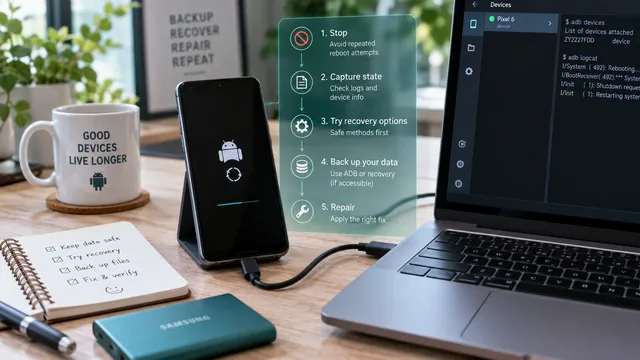
Fix an Android Bootloop Without Losing Your Data
A bootloop does not erase anything on its own. Every real data loss in a bootloop comes from the repair step. Here is the order that keeps your files intact.
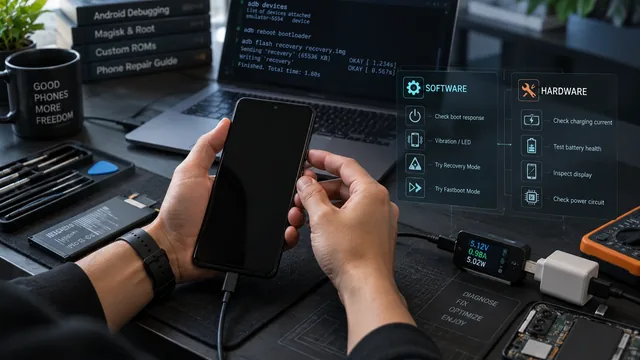
Android Phone Won't Turn On: Software vs Hardware Diagnosis
Remote software help and a soldering iron fix different problems. Four observations tell you which one your phone needs, and one of them costs nothing.
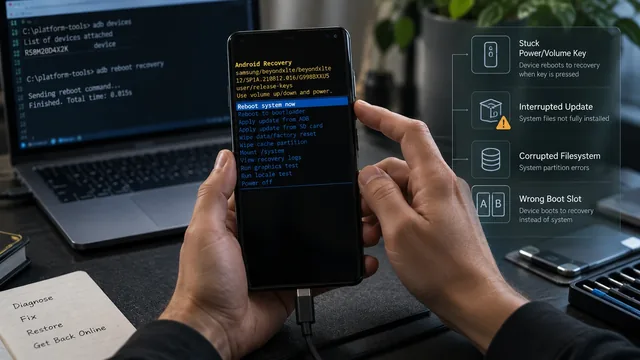
Android Keeps Booting Into Recovery: What to Check
Recovery is not a crash. The bootloader chose it. Six things cause that choice, and one of them is a stuck volume key you can rule out in ten seconds.