Fastboot Device Not Detected: Cable, Driver, USB and Mode Checks
An empty fastboot devices output has six possible causes and only one of them is the driver. Here is how to isolate each layer in order.
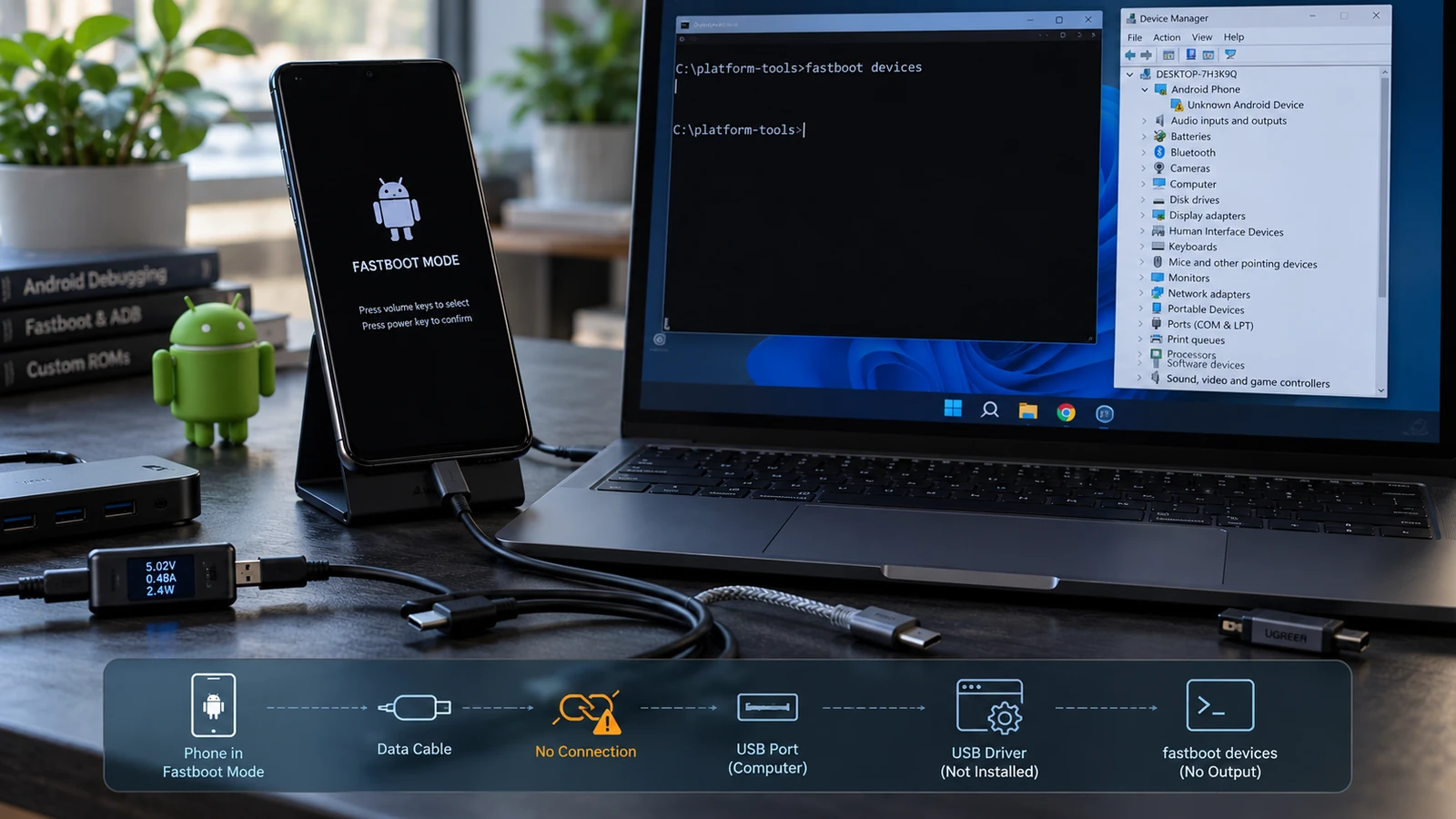
Table of Contents
An empty fastboot devices output has six possible causes and only one of them is the driver. The mode you are in, the cable, the port, the platform-tools version, the host operating system's device binding and the driver all sit between your command and the phone. Isolate them in order and you will find the real one in about ten minutes.
Start by confirming what mode you are actually in
This is the check people skip, and it produces the most confusing failures.
Bootloader fastboot and fastbootd are different environments. The Android Open Source Project documentation describes fastbootd as a userspace daemon and mode, introduced when the fastboot implementation was relocated from the bootloader to userspace to support resizable partitions on Android 10 and higher. Both say "fastboot" on screen. Both use the same fastboot tool from your computer. They handle different partitions and they can behave differently on the same machine.
On supported devices, ask the device which one it is:
fastboot getvar is-userspaceA yes result means you are in fastbootd. A no means bootloader fastboot. If you get no response at all, you have a connection problem and the rest of this article applies.
Samsung Download mode is not fastboot. Samsung devices generally use a separate flashing interface with its own protocol and its own tooling. fastboot devices will not find a Samsung device in Download mode, and that is expected behaviour rather than a fault. If your device shows a Download mode screen, fastboot is not the right tool and no amount of driver work will change that.
Recovery is not fastboot either. A device sitting in recovery answers to adb devices, not fastboot devices. If you are seeing a recovery menu, use ADB. See Android keeps booting into recovery for what that state means.
The isolation ladder
Work top to bottom. Each rung eliminates one layer, and there is a specific test for each so you are not guessing.
| # | Layer | Test | If this is the problem |
|---|---|---|---|
| 1 | Mode | Is the screen actually a bootloader or fastboot screen? | You are in recovery, Download mode, or the OS. Use the right tool |
| 2 | Cable | Does the same cable transfer files from a working phone? | Swap to a cable you have verified carries data |
| 3 | Port | Does a different port, directly on the machine, behave differently? | Move to a rear port, no hub, no dock, no extension |
| 4 | Host detection | Does the OS device list show anything appear when you plug in? | Nothing appears: hardware or cable. Something appears: continue down |
| 5 | Driver or permission | Does the OS name the device correctly? | Unknown or unnamed device: driver on Windows, udev rules on Linux |
| 6 | Tooling | Is fastboot the current official version, run from the right place? | Update platform-tools, check for a second copy on your PATH |
Rung 4 is the one that decides everything. A device that enumerates on USB but does not show in fastboot devices has a host-side problem you can fix. A device that does not enumerate at all is a different situation and possibly not a software problem. Do not skip it.
Cable
A USB cable that charges is not necessarily a cable that carries data. Charge-only cables exist and they produce exactly the symptom you are troubleshooting, with no error message and no indication of the cause.
The test is behavioural, not visual. You cannot tell by looking. Use a cable that you have personally used to transfer files, from any device, on that computer. If you do not have one you can vouch for, that is the first thing to fix, because every rung below this one gives unreliable results with a bad cable.
Cables also degrade. One that worked last year may have a broken conductor now, and the failure is often intermittent, which makes it look like a phone problem.
Two other cable notes worth knowing: the cable supplied with the phone is a reasonable starting point if you still have it, and cable length is not neutral, since a long or thin cable can be marginal for data even when it charges fine.
Port and hub
USB hubs, monitor ports, keyboard passthroughs, docks and extension cables all add a layer that can drop the connection or interfere with enumeration during a mode change.
Use a port directly on the machine, and prefer a rear port on a desktop over a front-panel port, since front-panel headers are internally cabled and are a more common source of marginal connections.
Port generation is also worth testing. Devices in bootloader mode have been reported to behave differently on different USB controller generations. This is not universal and it is not predictable in advance, which is exactly why you test it: if you have both a USB 2.0 and a USB 3.x port available, try each. It costs nothing and it resolves a class of problem that no amount of driver reinstallation will touch.
Platform-tools version
Use the current official Android SDK Platform Tools package from Google's developer site. Not a repackaged "minimal ADB and fastboot" bundle, not a copy that came with a flashing utility, and not one you downloaded three years ago.
Two things go wrong here.
The version is too old for your device. Newer devices and newer partition layouts need newer tooling. A fastboot binary from an older release may not understand what a current device is telling it.
There is more than one copy on your machine. Flashing utilities install their own bundled copies, and if one of those is on your PATH, the command you type may not be running the binary you think it is. Check which one is actually executing:
fastboot --versionOn Windows, where fastboot. On macOS or Linux, which -a fastboot. If more than one path comes back, that is worth resolving before you troubleshoot anything else.
Windows driver state
Windows binds a driver to a USB device based on how the device identifies itself, and a phone in bootloader mode identifies differently than the same phone running Android. That is why a device can work perfectly for file transfer and be invisible to fastboot on the same machine and the same cable.
Open Device Manager and watch it while you connect the phone in bootloader mode. What you see determines the fix:
- A correctly named Android bootloader interface. The driver is bound. Your problem is elsewhere, so go back to the tooling rung.
- An unknown device, or a device with a warning marker. The driver is not bound. This is the classic case.
- Nothing appears or disappears when you connect. No enumeration. That points at cable, port, or the device itself rather than the driver.
- The entry appears then vanishes. The device is resetting or losing power. Try a different port and a different cable before concluding anything.
Where a driver needs to be installed, use the manufacturer's own USB driver package for your brand, or Google's USB driver for Pixel and Nexus devices, both from the manufacturer's own site. Avoid third-party driver bundles from download portals.
Some driver installation procedures suggest disabling Windows driver signature enforcement. That is a real system security setting. If you turn it off, understand what it does and turn it back on afterwards.
macOS and Linux
Neither platform needs a driver in the Windows sense. The failures are different.
macOS. No driver installation is required. Check whether the device enumerates through System Information, under USB, while it is connected in bootloader mode. If the device appears there but fastboot devices is empty, the problem is on the tooling rung, not the system. On recent macOS versions, first-run permission prompts for downloaded binaries can also interfere, so check that the tool is permitted to run.
Linux. The device usually enumerates without any configuration, but the permissions to access it may not be granted to your user account. Confirm enumeration with lsusb before and after connecting. If the device appears in lsusb but not in fastboot devices, look at permissions first. This is resolved with the udev rules for Android devices that many distributions package, or that the android-udev-rules project maintains.
The quick diagnostic: if running the same command with elevated privileges finds the device when running it as your user does not, you have confirmed it is permissions and not connectivity. Fix it with proper udev rules rather than running everything elevated.
Virtual machines and WSL. USB passthrough into a VM or into WSL is an additional layer with its own failure modes, particularly across mode changes, since the device disconnects and reconnects as a different USB identity when it enters or leaves bootloader mode and the passthrough may not follow. If you are troubleshooting inside a VM, test on the host directly before drawing conclusions.
When ADB works but fastboot does not
This is the single most common version of the problem and it confuses people because the phone clearly connects.
The explanation is that Android running normally and the device in bootloader mode are two different USB devices as far as your computer is concerned. Different identifiers, different interface, potentially a different driver binding. ADB working proves your cable and port are fine, which is genuinely useful, and it proves nothing at all about the bootloader mode connection.
So when this happens, keep the result. Cable and port are eliminated. Go straight to rungs 5 and 6: driver binding for the bootloader interface on Windows, udev on Linux, tooling version everywhere.
If the ladder does not find it
At that point the useful question changes from "why can't my computer see it" to "what state is the device in." Those are different problems.
Take the result you got at rung 4 and read it against soft brick vs hard brick. A device that enumerates as something unidentified is in a very different position from a device that does not enumerate at all, and the distinction changes both what is possible and what it costs.
Before you conclude the device is at fault, do one more thing: try a second computer, ideally running a different operating system. It eliminates an entire category of host-side problems in a single test, and it is faster than continuing to troubleshoot the machine you started on.
Frequently asked questions
Why does adb devices work but fastboot devices show nothing? Because they are two different USB devices to your computer. Android running and the device in bootloader mode present different identities and can bind to different drivers. ADB working confirms your cable and port and nothing more.
Do I need to enable USB debugging for fastboot? No. USB debugging is an ADB setting inside Android. Fastboot operates in the bootloader, below the OS, and does not depend on it. This matters when a device will not boot, because USB debugging cannot be enabled after the fact on a phone that never reaches the settings screen.
fastboot devices shows my device but commands fail. That is a different problem. Detection is working. The failure is likely a locked bootloader, a partition that is not accessible in your current mode, or a command that requires fastbootd rather than bootloader fastboot. Read the full error text, since it usually names the reason.
Will a USB-C to USB-C cable work? Generally yes, if it carries data. The connector type is not the variable. Whether the cable has data conductors and whether the ports on both ends support the connection are the variables.
Does the phone need to be charged? It needs enough charge to stay powered through the operation. A device at very low charge can drop the connection partway through, and an interrupted flash is worse than no flash. Charge it before you start.
Can this be fixed remotely? The host-side layers usually can, since the driver, tooling and permission work all happens on your computer. We do this regularly over a remote session, and here is exactly what that involves and what we can and cannot see. If the device itself is not enumerating on any machine with any cable, that is not a host-side problem and remote work will not resolve it.
Related reading: Soft brick vs hard brick · Fix a bootloop without losing data · Magisk flash failed · Android keeps booting into recovery · What each boot-screen symptom means
Sources: Android Open Source Project, userspace fastboot documentation. Android SDK Platform Tools, official release.
Last verified: 28 August 2026. USB behaviour, driver requirements and mode availability vary by manufacturer, model and host operating system. Confirm against your device's official documentation.
More Android Guides
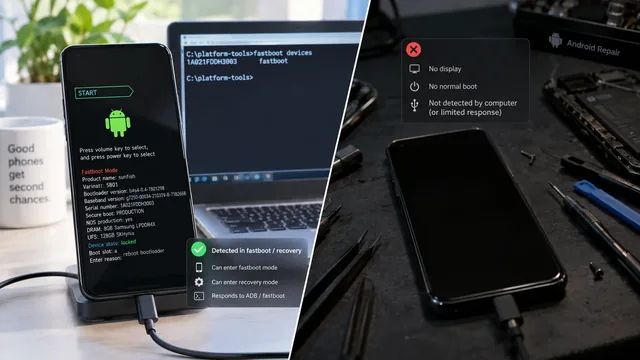
Soft Brick vs Hard Brick on Android: How to Tell
The word hard brick gets applied to at least four different states with very different outcomes. Two commands tell you which one you actually have.
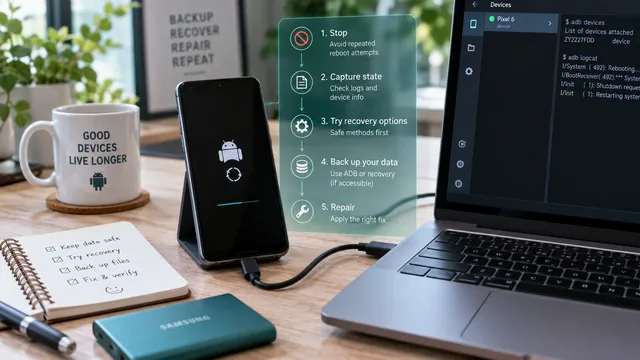
Fix an Android Bootloop Without Losing Your Data
A bootloop does not erase anything on its own. Every real data loss in a bootloop comes from the repair step. Here is the order that keeps your files intact.
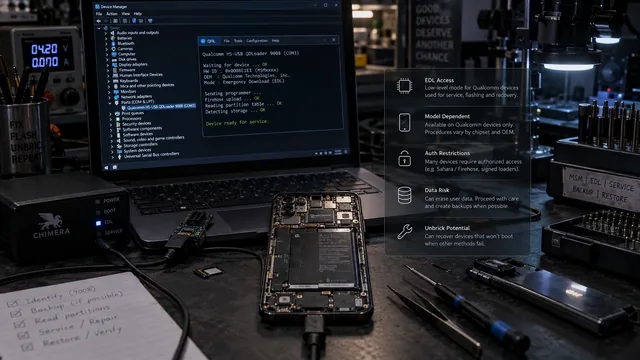
EDL Mode on Android: What It Is, When It Matters, and the Risks
EDL is real and it has revived devices nothing else could reach. It is also gated, model-dependent and frequently destructive. Here is the honest version.