Soft Brick vs Hard Brick on Android: How to Tell
The word hard brick gets applied to at least four different states with very different outcomes. Two commands tell you which one you actually have.
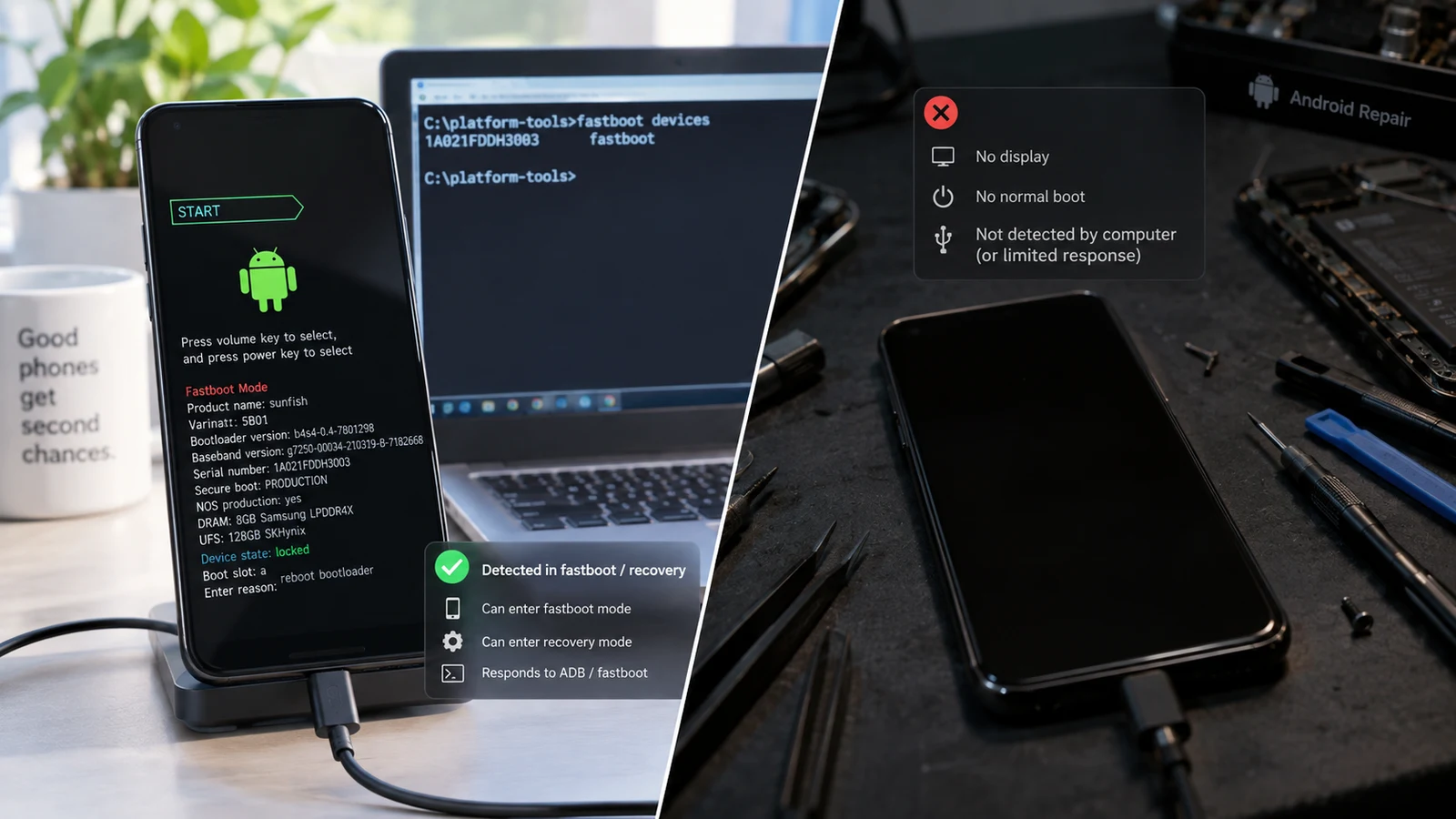
Table of Contents
The difference is not how dead the phone looks. It is whether a computer can still talk to it. Two commands settle the question in under a minute, and the answer determines whether you are facing a firmware reflash, a low-level recovery procedure, or a board repair.
The word "brick" covers at least four different states
People use "bricked" for anything from a boot animation loop to a phone that has been in a washing machine. Those are not the same problem and they do not have the same outcome, so the label on its own tells a technician nothing.
Here is the actual spectrum, from most recoverable to least:
- The device boots into something. Recovery, fastboot, download mode, a bootloader screen, even an error screen. It is running code and it can be reached.
- The device shows nothing but a computer detects it. No display output, but plugging it in produces a USB device on the host. This is the state that gets called "hard brick" most often and most wrongly.
- The device shows nothing and nothing detects it, but it responds physically. Vibration on power-on, heat, a charging LED. Something is running.
- Complete non-response. No display, no USB enumeration, no vibration, no charging behaviour, no heat.
Only the fourth is what "hard brick" was originally meant to describe, and even then the cause matters: a dead battery and a dead motherboard produce the same symptom from the outside.
The decision table
Run the detection test in the next section first, then read the row that matches.
| Symptom | Detected by a computer? | Bootloader or recovery reachable? | Likely category | Recovery complexity | Data risk |
|---|---|---|---|---|---|
| Boot loop, logo or animation | Yes, as ADB or fastboot | Yes | Soft brick, boot or system fault | Low. Reflash the affected partition | Low if you restore the right image, high if you reset |
| Stuck in recovery on every boot | Yes, as ADB in recovery | Yes, recovery | Soft brick, slot or boot image issue | Low to moderate | Moderate. Recovery menus contain wipes |
| Boots only to fastboot or bootloader | Yes, as fastboot | Yes, bootloader | Soft brick, missing or invalid boot image | Low to moderate | Low if the correct image exists |
| Black screen, enumerates in download or emergency mode | Yes, as a vendor-specific USB device | No normal boot, but a service interface responds | Deep firmware fault, sometimes called hard brick | High. Vendor tooling, often authenticated | Usually total. These procedures generally wipe |
| Black screen, enumerates as an unknown or unnamed USB device | Yes, but unidentified | No | Undetermined. Could be a driver issue or a low-level mode | Unknown until identified | Unknown |
| Black screen, vibrates or gets warm, nothing detected | No | No | Possible hardware fault, possible bootloader corruption | Very high, may need board-level work | Depends on the fault. Often not retrievable by software |
| Completely inert, no vibration, no charge, no detection | No | No | Hardware. Power, battery, or board | Physical repair or replacement | Data recovery, if possible at all, is a physical process |
Two rows in that table are the ones people misread. The download-mode and emergency-mode row gets called "hard brick" and is frequently recoverable. The vibrates-but-undetected row gets called "soft brick" because the phone shows signs of life, and it is often the harder problem.
How to run the detection test properly
The table only works if the detection result is accurate. A phone that is genuinely fine can appear undetected because of a charge-only cable or a missing driver, and that misdiagnosis sends people toward expensive conclusions.
Step 1. Use a cable you have confirmed carries data. Not a cable you assume is fine. A cable you have used to transfer files. Charge-only cables exist and they produce exactly the symptom you are trying to interpret.
Step 2. Use a rear USB port directly on the machine. Not a hub, not a monitor port, not a dock.
Step 3. Run both checks, in every state the device will enter.
adb devices
fastboot devices
Step 4. Check the operating system's device list, not just the tool output. This is the step that separates a real result from a false negative, because a device can enumerate on USB while the command-line tool still shows nothing.
- Windows: open Device Manager and watch the list while you plug the phone in. Something appearing and then vanishing, or appearing as an unrecognized device, is a positive detection result even though
fastboot devicesprinted nothing. - macOS: System Information, then USB, and look for a new entry.
- Linux: run
lsusbbefore and after connecting and compare, or watchdmesgwhile you plug it in.
An unnamed or unknown USB device is not "nothing detected." It is "detected, not identified," which is a completely different row in the table and usually a driver problem rather than a dead phone. If your result is a missing or ambiguous detection, work through the fastboot detection checklist before concluding the device is dead.
Step 5. Try the device with a second computer, ideally a different operating system. This eliminates a whole class of host-side problems in one test.
Why "hard brick" is usually the wrong word
The term entered common use when Android devices had simpler recovery paths and a failed flash frequently did mean a trip to a repair shop. Two things changed.
First, chipset vendors ship low-level recovery interfaces that sit below the bootloader. Qualcomm platforms expose an emergency download mode. MediaTek platforms expose a BootROM-level interface. Samsung devices have their own download mode. These exist so that a device with a corrupted bootloader can still be reflashed, and a device sitting in one of them is emphatically not a paperweight.
Second, the tooling and the firmware to use those interfaces are much more available than they were, though availability varies enormously by manufacturer and by model. Some vendors gate these interfaces behind authentication that is only issued to authorized service providers. Some do not.
The result is that the practical question is no longer "soft or hard." It is "which interface does this specific device still expose, and can that interface be used with the firmware and authorization actually available for this model."
That is a narrower and more useful question, and it is why we do not quote a blanket recovery rate. A device in emergency mode with published firmware and no authentication requirement is one job. The same symptom on a model where the vendor gates the interface is a different job with a different answer, and sometimes the honest answer is that software recovery is not available.
Our firmware and brick recovery service starts with exactly this determination, and we tell you which of those two situations you are in before quoting anything.
What is genuinely not recoverable by software
Some states do not have a software answer, and it is worth being direct about them:
- Failed storage. If the flash storage itself has failed, there is nothing to write firmware to. This can present as a device that enters flash mode and then fails partway through every attempt.
- Power management or board damage. A device that does not power its rails will not run code regardless of what firmware you have.
- Liquid or impact damage to the board. Corrosion and cracked traces are physical problems.
- Fused security state on some devices. Certain manufacturers implement one-way security fuses. Once tripped, that state cannot be reversed in software. Whether this affects recovery, and how, depends on the manufacturer. On Samsung devices, the Knox fuse specifically affects warranty and certain secure features rather than the ability to flash firmware, and we cover what it does and does not do separately.
- Models where the required low-level interface is authenticated and the authorization is not obtainable. This is a real limit and no amount of technical skill removes it.
Anyone promising remote recovery of every device in every state is describing a business model, not a technical capability.
What each category costs you in data
Recovery complexity and data outcome are two separate axes, and they do not move together.
| Category | Typical data outcome |
|---|---|
| Boot or system fault, device reachable | Data survives if you restore the correct image instead of resetting |
| Slot or recovery issue | Data survives if you avoid the destructive menu items |
| Deep firmware fault requiring vendor tooling | These procedures generally rewrite the storage layout. Assume total loss |
| Hardware fault | Software cannot help. Physical data extraction is specialist work and is not guaranteed |
The ranking that surprises people: a device that boots into a loop, which feels alarming, sits in the better position for your data. A device that requires low-level reflashing, which feels like a triumph when it works, tends to cost you everything on it.
This is worth understanding before you authorize any repair. "We got it working again" and "we saved your files" are different outcomes, and the second one is much harder. If the data is what matters, say so first, and read how to approach a bootloop without losing data before anyone starts flashing. Where the files are irreplaceable, our data recovery service assesses what is realistically possible given the device state, including when the answer is that nothing is.
Frequently asked questions
My phone vibrates but the screen stays black. Soft or hard brick? Undetermined until you run the detection test. Vibration means something is executing, which is encouraging, but the deciding factor is whether a computer enumerates it. Check the operating system device list, not only the tool output.
Can a soft brick become a hard brick? Yes, and this is the main argument for stopping early. Flashing the wrong image, interrupting a flash, or running vendor tooling against the wrong model can take a device from a recoverable state to a much worse one. Each failed attempt is an opportunity to make it harder.
Is a bootloop a soft brick? By the usual definition, yes: the device runs code and can be reached. That said, "bootloop" describes what you see and "soft brick" describes the category, and the specific boot symptom carries more diagnostic information than either label.
Does unlocking the bootloader help recover a bricked device? Not as a recovery step, and it carries its own cost. Unlocking triggers a data wipe on Android devices as a security measure. If the device is already unlocked, that is useful because it widens the available options. Unlocking now, specifically to attempt a recovery, means accepting the wipe.
Will a repair shop be able to tell the difference? A competent one will run the same detection test and reach the same conclusion. Be cautious with any quote given without the device being connected to a computer first, since the category cannot be determined by looking at the screen.
How much of this can be done remotely? States where the device is reachable and you have a working computer are largely remote-friendly, because the operations run from the host. States requiring vendor service tooling or board work are not. Here is what a remote session actually involves.
Related reading: Fix a bootloop without losing data · What each boot-screen symptom means · Fastboot device not detected · Magisk flash failed · Android keeps booting into recovery
Sources: Android Open Source Project bootloader and partition documentation.
Last verified: 22 August 2026. Low-level recovery interfaces, their availability and any authentication requirements vary by chipset, manufacturer and model. Confirm against your device's official documentation.
More Android Guides
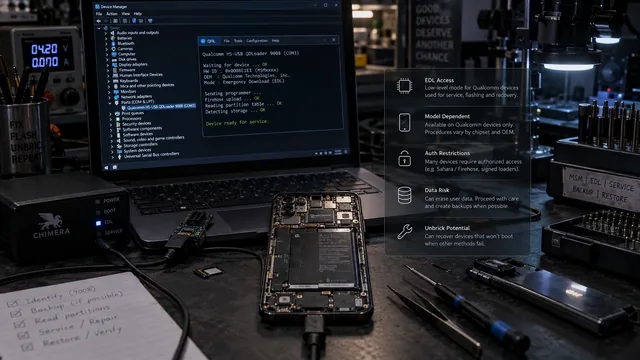
EDL Mode on Android: What It Is, When It Matters, and the Risks
EDL is real and it has revived devices nothing else could reach. It is also gated, model-dependent and frequently destructive. Here is the honest version.
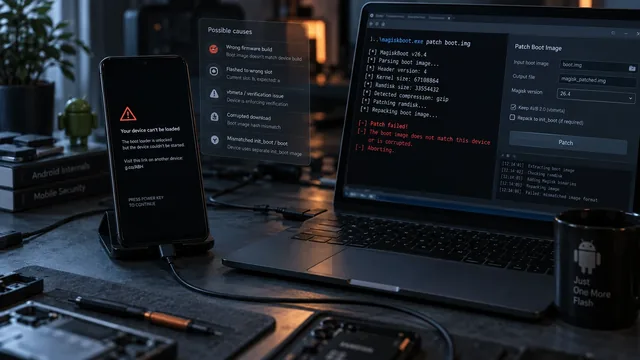
Magisk Flash Failed? Diagnose the Boot Image Before You Wipe
A bootloop after patching is a diagnosis problem, not a wipe problem. Six things commonly go wrong and the symptom usually tells you which one.
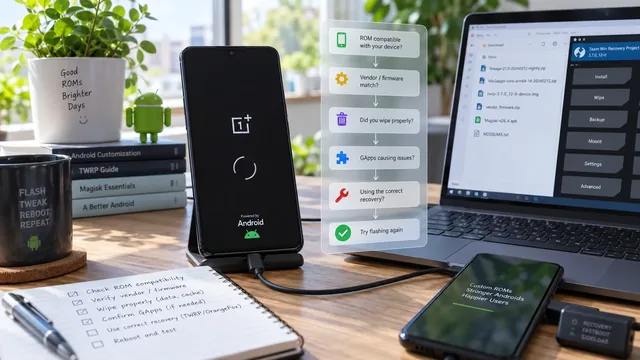
Bootloop After a Custom ROM Flash: What Usually Needs Checking
A ROM that will not boot is usually a mismatch between the ROM and something underneath it. The decision tree finds which layer disagrees.