Android Phone Won't Turn On: Software vs Hardware Diagnosis
Remote software help and a soldering iron fix different problems. Four observations tell you which one your phone needs, and one of them costs nothing.
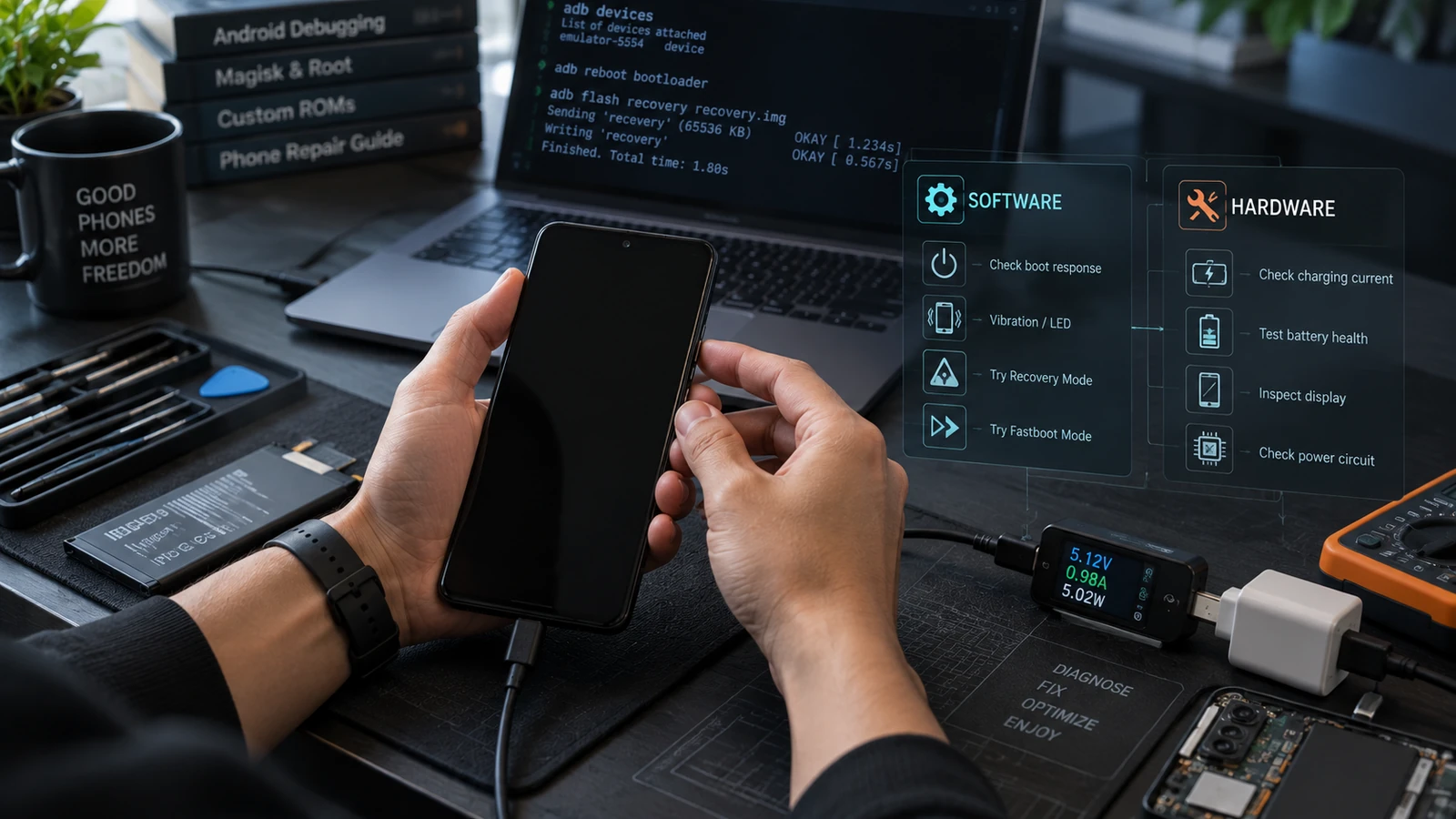
Table of Contents
- Why this distinction is the whole article
- The four observations
- 1. Charge it properly first
- 2. Force a power-off, then one deliberate power-on
- 3. Check whether a computer sees it
- 4. Try the maintenance modes
- Reading the result
- When it is hardware, we say so
- When it is software, what happens next
- If the data is what matters
- Frequently asked questions
Software faults and hardware faults produce the same black screen and need completely different people to fix them. Four observations separate them, they cost nothing, and running them first stops you paying for the wrong kind of help. Only one of the two categories can be worked on remotely, and we will tell you plainly when yours is the other one.
Why this distinction is the whole article
Someone offering remote software support can reflash firmware, restore a boot image, or repair a partition. That work happens over USB from a computer and it can be done from anywhere.
Someone with a soldering station and a microscope can replace a battery, reseat a display connector, repair a charging port, or work on the board. That requires the physical device.
Neither can do the other's job. A remote session cannot fix a failed power management chip, and no amount of board work fixes a corrupted boot image faster than a flash would. So the first question is not "how do I fix this," it is "which of these two is it."
Anyone who answers "we can fix any phone remotely" before seeing which category yours falls into is not diagnosing.
The four observations
Run these in order. Record what happens. None of them writes anything to the device.
1. Charge it properly first
Connect a known-good charger and cable and leave it for at least thirty minutes without touching it. A deeply discharged battery can show no response at all for a while before it accumulates enough charge to display anything.
Then note what happens:
- A charging indicator, an LED, or a battery graphic appears → the power path is working
- Nothing at all after thirty minutes → note this, it is meaningful
- The device becomes warm while plugged in → note this too, and unplug it
A device that will not show a charging indicator after a proper attempt on known-good equipment has already told you something significant.
2. Force a power-off, then one deliberate power-on
Hold the key combination for your model long enough to force a full power cycle, typically longer than feels necessary. Release. Then press power once and watch closely for thirty seconds.
What you are looking for:
- Any vibration
- Any light, including a brief flash
- Any sound
- Any change in the screen, including the backlight coming on without an image
- Heat building anywhere on the body
Do this once, attentively. Repeated mashing produces no additional information and on some devices it makes slot state worse.
3. Check whether a computer sees it
This is the observation that decides the category, and it is the one people skip.
Connect the device to a computer with a cable you have confirmed carries data, and watch the operating system's device list while you plug it in. Device Manager on Windows, System Information under USB on macOS, lsusb before and after on Linux.
Then try in each state you can reach:
adb devices
fastboot devices
The result:
- Something enumerates → there is running code on the device. Software paths exist. This is the good outcome.
- Nothing enumerates at all, on two different computers, with two different cables → the device is not running enough code to bring up USB. That points at hardware.
Two computers and two cables matter because a false negative here sends you to the wrong conclusion, and the wrong conclusion here is expensive. Work the fastboot detection checklist before you accept a negative result.
4. Try the maintenance modes
Attempt to reach recovery and the bootloader using your model's key combinations. A device that reaches either is running its bootloader, which is a strong signal and opens a lot of options.
If it reaches a mode but the screen stays black, the device may be running with a display fault, which is a specific and repairable hardware case rather than a dead phone.
Reading the result
| What you observed | Category | What it needs |
|---|---|---|
| Reaches recovery or fastboot | Software | Firmware or boot image work, remote-capable |
| No display but enumerates on USB | Software or display hardware | Determine which before committing to either |
| Vibrates or lights up, nothing enumerates | Leans hardware | Local inspection |
| Charging indicator shows, will not power on | Leans hardware, power path or board | Local inspection |
| No charge indicator, no vibration, no light, no enumeration, on two setups | Hardware | Local repair, board-level |
| Warm to hot while doing nothing | Hardware, and unplug it | Local repair, stop attempting boots |
| Was dropped or wet before it stopped | Hardware regardless of the above | Local repair, sooner rather than later |
The last row overrides everything above it. A device that was physically damaged before it stopped working is a hardware case even if it still enumerates, and treating it as a software problem wastes the window in which liquid damage is most treatable.
When it is hardware, we say so
Some of the most common causes of a phone that will not turn on cannot be fixed by anyone working remotely:
- A failed or swollen battery
- A damaged or contaminated charging port
- A display or display connector fault
- Power management or board-level damage
- Liquid damage and the corrosion that follows it
- Failed storage
For these, the right answer is a local repair shop or the manufacturer's service channel, and we will tell you that rather than selling you a remote session that cannot help. Two specific notes:
Liquid damage is time-sensitive. Corrosion continues after the device dries. The window for a good outcome shrinks. Do not spend a week on software troubleshooting before taking a wet phone to someone.
A swollen battery is a safety issue. If the back panel or screen has lifted, or there is a visible bulge, stop charging it, stop attempting boots, and have it handled properly. Do not puncture it and do not leave it charging unattended.
When it is software, what happens next
If the device enumerates, or reaches recovery or fastboot, you have real options and they mostly do not involve wiping anything.
Where to go depends on what you saw:
- Reaches fastboot, will not boot → fix a bootloop without losing data
- Boots to a logo or animation and stops → what each boot symptom means
- Lands in recovery every time → what to check when it keeps booting to recovery
- Stopped after a flash or a root attempt → diagnosing a failed boot image flash
- Stopped after a ROM installation → bootloop after a custom ROM flash
- Enumerates as something low-level and unnamed → soft brick vs hard brick
If the data is what matters
This changes the order of operations, so say it up front rather than after something has been attempted.
Some actions that might get a phone working will destroy what was on it. A firmware restore, a factory reset, and a low-level reflash all fall into that group. If the phone holds photos or documents that exist nowhere else, the goal of getting it booting and the goal of getting the files off it can conflict.
The single most important point: on a modern Android device, user data is encrypted with keys held in hardware-backed storage. A wipe removes those keys and the data goes with them permanently. So the recoverable moment is before the repair attempt, not after it.
If that describes your situation, read whether data can be recovered from a bricked phone before authorizing anything, and involve data recovery at the start rather than as a fallback. We assess what is realistically retrievable given the state, including when the answer is nothing.
Frequently asked questions
How long should I charge a completely dead phone? At least thirty minutes before drawing any conclusion, on equipment you have confirmed works elsewhere. A deeply discharged battery can take a while to show anything.
The screen is black but I can hear notifications. Is the phone on? Yes, and that is a useful result. The system is running and the display output has failed. That is a display or connector fault, which is a specific hardware repair rather than a dead device, and your data is intact on it.
My phone gets hot but will not turn on. What does that mean? Something is drawing current and going nowhere. Unplug it, let it cool, and treat it as hardware. Repeated boot attempts on a device that heats up without booting are not productive and can make things worse.
Can you fix a phone that will not turn on at all remotely? If nothing enumerates on two computers with two cables, no. There is nothing for a remote session to connect to. We would tell you that rather than book the work.
Is it worth repairing or should I replace it? Depends on the fault and the device. A battery or charging port on a phone worth keeping is usually worth it. Board-level damage on an older device often is not, unless the data on it matters, which is a separate calculation from the device's value.
The phone was in water and now will not turn on. Take it to a repair shop promptly. Do not charge it, do not attempt repeated boots, and do not put it in rice. Corrosion progresses, and the sooner someone opens and cleans it, the better the odds for both the device and the data.
Related reading: Can data be recovered from a bricked Android? · Soft brick vs hard brick · What each boot-screen symptom means · Fastboot device not detected · Android phone won't turn on: every fix that works
Sources: Android Open Source Project boot and USB documentation.
Last verified: 25 August 2026. Key combinations, charging behaviour and diagnostic indicators vary by manufacturer and model. This article is a triage guide, not a repair procedure for a specific device.
More Android Guides
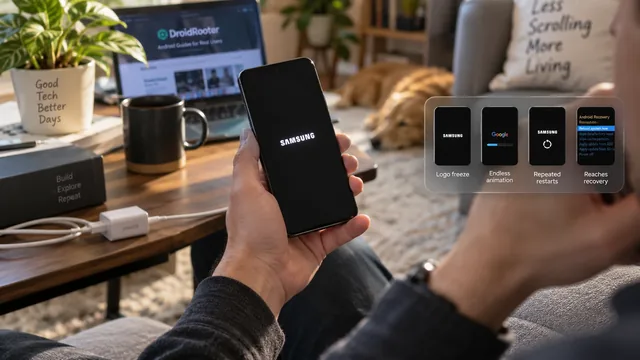
Android Stuck on the Boot Screen: What Each Symptom Means
Guides treat every boot failure as one problem. It is not. The stage your phone reaches before it stalls tells you where the fault sits and what it will cost to fix.
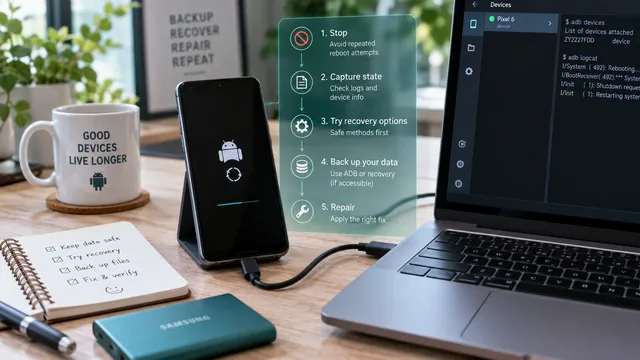
Fix an Android Bootloop Without Losing Your Data
A bootloop does not erase anything on its own. Every real data loss in a bootloop comes from the repair step. Here is the order that keeps your files intact.
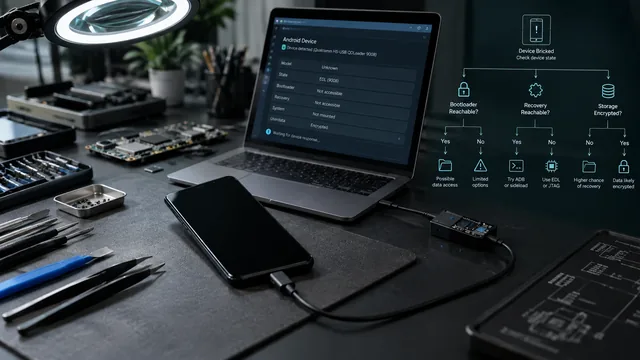
Can Data Be Recovered From a Bricked Android? It Depends on the State
Three separate conditions decide this, and all three must hold. Most guides only discuss one. Here is the state-by-state table.