Can Data Be Recovered From a Bricked Android? It Depends on the State
Three separate conditions decide this, and all three must hold. Most guides only discuss one. Here is the state-by-state table.
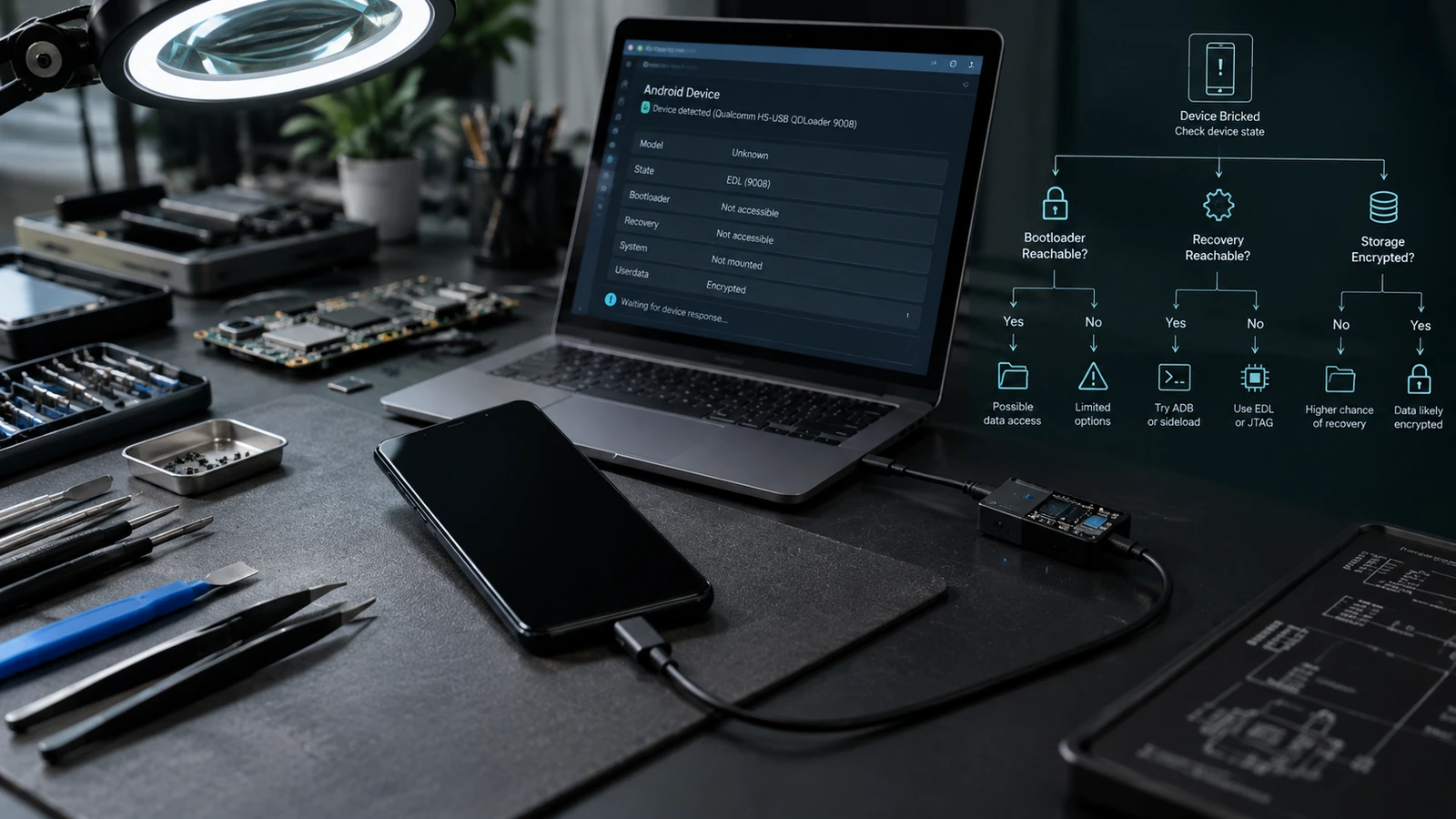
Table of Contents
Three separate conditions have to hold at once: the data still physically present, the encryption keys still available, and a working path to reach both. Guides on this topic normally discuss the first one and skip the other two, which is why their answers sound more optimistic than reality. The table below covers all three by device state.
The three conditions
Nearly every confused conversation about this subject comes from treating these as one question.
Condition 1: is the data physically there? Storage chips are small, durable, and survive damage that destroys the rest of a phone. A cracked screen, a dead battery, a snapped frame, none of these touch the stored data. Failed storage or severe board damage does.
Condition 2: are the encryption keys available? Modern Android encrypts user data with keys tied to your screen lock credential and held in hardware-backed key storage on the device. Without those keys, the stored blocks are not files. They are noise that happens to be the right size.
Condition 3: is there a path to reach it? Even with intact data and available keys, something has to read the storage and decrypt it. That normally means the device booting far enough to decrypt its own storage, because the keys live in its hardware.
All three. A phone can satisfy two and still return nothing.
This is the part the tool vendors leave out. A scanning utility addresses condition 3 and assumes conditions 1 and 2 are satisfied. On a modern encrypted device where a wipe has run, condition 2 has failed permanently, and no scan changes that.
The feasibility table
| Device state | Data likely intact? | Keys available? | Remote or software path? | Local hardware path? | Realistic outlook |
|---|---|---|---|---|---|
| Boots normally but has a problem | Yes | Yes | Yes, just copy it off | Not needed | Back it up now, today |
| Bootloop, reaches recovery or fastboot | Yes | Yes, if you know the lock credential | Sometimes, depends on decryption in recovery | Yes | The strongest position short of booting |
| Boots to logo only, fastboot reachable | Yes | Yes, if you know the credential | Repair the boot path first, then copy off | Yes | Good, if nothing destructive is run |
| Stuck in recovery, data partition will not mount | Yes | Depends on why it will not mount | Possibly, a recovery version issue is not damaged data | Yes | Do not format to clear the message |
| Enumerates only at a low level, no boot | Likely | Held in hardware, but nothing running to use them | Rarely | Sometimes, specialist | Poor for data, and low-level restores wipe |
| No enumeration, no signs of life | Unknown | Unknown | No | Board-level work | Depends entirely on the fault |
| Physical damage to the board or storage | Uncertain | Uncertain | No | Specialist lab | Assessed case by case |
| Factory reset has been run | Blocks may remain | No, destroyed | No | No | Not recoverable |
| Data partition formatted | Blocks may remain | No, destroyed | No | No | Not recoverable |
| Bootloader was unlocked after the fault | Wiped by the unlock | No, destroyed | No | No | Not recoverable |
| Screen lock credential forgotten | Yes | No, the credential releases the keys | No | No | Not recoverable without the credential |
The bottom four rows are the ones worth reading twice, because three of them describe things people do while trying to help themselves.
Why a wipe is final now
Android's encryption model changed and the change is not widely understood outside the field.
The Android Open Source Project documentation states that devices launching with Android 10 or higher must use file-based encryption, that Android 10 through 12 supported the older full-disk encryption only for devices upgrading from Android 9 or lower, and that Android 13 removed full-disk encryption support entirely.
Under file-based encryption, files are encrypted with keys derived from your credential and protected by hardware-backed key storage. A factory reset removes that key material. The ciphertext may physically remain on the flash chip afterwards. Without the key it does not decrypt, and the key is not somewhere else to be found.
This is why the recovery-software model from a decade ago does not transfer. Those tools scanned unencrypted storage for file signatures, which worked because the data was readable. That assumption no longer holds on a modern device, and a tool promising to scan a reset phone and return your photos is describing something the encryption design exists specifically to prevent.
The practical rule: the recoverable moment is before the wipe. Not after.
The three ways people destroy their own data
Every one of these is done by someone trying to fix the phone.
Running a factory reset because a menu suggested it. Stock recovery presents the reset option next to harmless ones, with the same styling, often right after a message about data possibly being corrupt. It is irreversible. What each recovery menu item actually does is worth reading before you select anything there.
Formatting the data partition to clear a mount error. A custom recovery that cannot decrypt the partition reports something that reads like data corruption. Frequently the cause is a recovery build that does not properly support the device's encryption, not damaged data. Formatting resolves the error message by destroying its subject.
Unlocking the bootloader to gain access. Unlocking triggers a data wipe on Android devices as a deliberate security measure, precisely to stop someone doing exactly this to a phone that is not theirs. If your bootloader is currently locked and your data matters, unlocking is not a recovery step. It is the end of the recovery.
There is a fourth, quieter one: running a manufacturer flash script that contains a wipe step, because the goal was repairing the system. Read the script.
What to do right now, in order
If the data matters and the device is in any state above the bottom four rows:
- Stop. Do not reset, format, unlock, or flash anything yet.
- Write down the exact state. What the screen shows, what the computer sees, what happened before.
- Confirm what is already backed up. Check cloud photo backups and account sync from another device. A meaningful share of what people panic about is already backed up somewhere, and finding that out costs five minutes.
- Note whether you know the screen lock credential. If you do not, condition 2 has failed and the rest of this does not apply.
- Get the state assessed before authorizing any repair, including a manufacturer repair, since standard repair processes routinely include a wipe.
Point 5 is the one people skip. "We fixed your phone" and "we saved your files" are different outcomes, and a repair authorized without specifying which one you wanted will usually deliver the first.
What we will not tell you
We do not promise post-wipe recovery. If a factory reset or a format has already run on a modern encrypted device, the answer is no, and a service that says otherwise is either describing a very old device or selling something that will not work.
We do not quote a recovery rate. The outcome depends on the device state, whether you have the credential, whether the storage is intact, and the specific model. A single percentage across those is not information.
We do not bypass screen locks or account security to reach data, and we require ownership verification on anything touching account state. The credential requirement in condition 2 is not an obstacle we route around. It is the security model, and it is the same thing protecting your data if the phone is stolen.
Physical recovery, and its limits
Where the board is damaged but the storage chip survived, specialist labs work at the component level: repairing the board enough that the device can boot and decrypt its own storage, or working with the storage directly.
Two things constrain this. Modern encryption ties keys to the device's own hardware, so reading a chip in isolation gives you encrypted blocks rather than files, which is why the usual approach is repairing the device rather than extracting the chip. And it is specialist, physical work, so it is neither remote nor cheap.
It is a real option for genuinely irreplaceable data on a device that will not power on. It is not the answer for a phone that is merely bootlooping, where much simpler paths exist and reaching for board work first would be a mistake. Work out which category the device is in first.
Frequently asked questions
My phone is bootlooping. Are my photos gone? No. A bootloop is a boot failure, not a storage operation. Your data is intact and the keys are intact. What puts it at risk is the repair you choose next, which is why the order of operations matters so much.
Can I copy files off a phone that will not boot? Sometimes. From a running system over ADB, yes. From stock recovery, ADB access is limited and does not give you a general file pull. From a custom recovery, more is possible, but the recovery still has to decrypt the data partition, which is not guaranteed.
Will a data recovery app help? Those tools require the device to be reachable and the data to be readable. On a device that will not boot, or after a wipe on an encrypted device, the preconditions they need are not met. They are not useless in general, they are just not applicable to these states.
I already factory reset it. Is there anything? On a modern encrypted device, realistically no for local data. Check your cloud backups, which is where the recoverable copy usually is: photo backup services, account sync, and any messaging app backup you had enabled.
Does rooting the phone help recover data? Not from a device that will not boot, and attempting it usually requires unlocking the bootloader, which wipes. Root is not a data recovery technique on a broken phone.
How much does an assessment cost? Ours is free, and we tell you the realistic outlook before any work is agreed, including when the outlook is that nothing is retrievable. Be cautious with any provider that quotes a price and a promise before seeing the device state.
Related reading: Android phone won't turn on: software vs hardware · Fix a bootloop without losing data · Soft brick vs hard brick · Android keeps booting into recovery · EDL mode explained
Sources: Android Open Source Project, file-based and full-disk encryption documentation.
Last verified: 27 August 2026. Encryption implementations, recovery decryption support and repair options vary by manufacturer, model and Android version. This article describes categories, not a procedure for a specific device.
More Android Guides
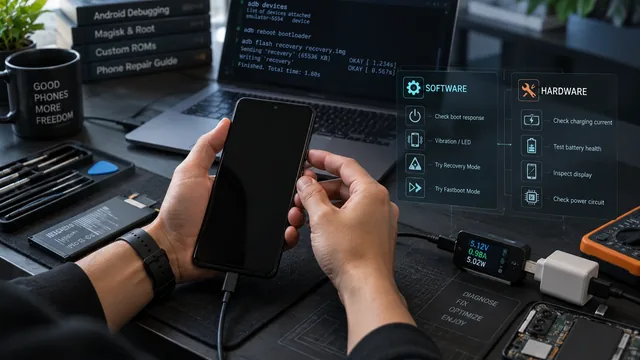
Android Phone Won't Turn On: Software vs Hardware Diagnosis
Remote software help and a soldering iron fix different problems. Four observations tell you which one your phone needs, and one of them costs nothing.
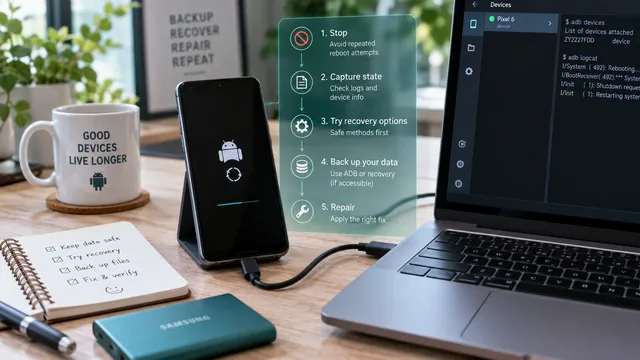
Fix an Android Bootloop Without Losing Your Data
A bootloop does not erase anything on its own. Every real data loss in a bootloop comes from the repair step. Here is the order that keeps your files intact.
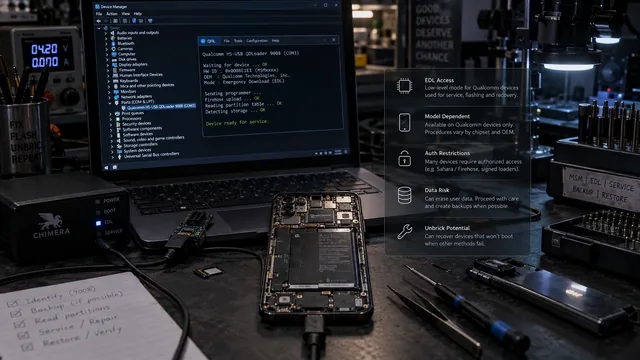
EDL Mode on Android: What It Is, When It Matters, and the Risks
EDL is real and it has revived devices nothing else could reach. It is also gated, model-dependent and frequently destructive. Here is the honest version.