Galaxy A12 to A16 Google Lock: Identify and Recover
Galaxy A12, A13, A14, A15 or A16 asking for Google after reset? Read the prompt, identify your SM model and choose the right account or support route.
Table of Contents
- Read the message before doing anything else
- Separate Google, Samsung, SIM and organization locks
- Find the SM code when Settings will not open
- Why the 4G and 5G distinction matters
- Recover the relevant Google Account
- For a used Galaxy, involve the seller early
- Why an old A-series video may not match your phone
- Copy a request that can receive a useful answer
- Sources and further reading
- Frequently asked questions
A Galaxy A12, A13, A14, A15 or A16 that asks for Google after a reset needs a closer look at the screen before another reset. This guide helps you distinguish Google device protection from other locks, identify the exact Galaxy variant and prepare a useful recovery request, even when Settings is unavailable.
Read the message before doing anything else
During setup, “Verify your account” alone is less useful than the sentence below it. A request for a Google Account previously synced to this device points to Factory Reset Protection (FRP). An ordinary Google sign-in offering to skip is a different setup step.
Write down the full message and the buttons offered. If setup explicitly offers the previous screen PIN, use that displayed option if you know it. Do not assume that any PIN prompt is FRP: a normal lock screen before setup and a SIM PIN have different purposes.
Separate Google, Samsung, SIM and organization locks
- Previous Google Account: use the Google recovery route below.
- Samsung account: use Samsung account recovery; a Google password does not answer it.
- Screen PIN or pattern: identify whether this is the normal lock screen or a verification choice inside setup.
- SIM PIN, PUK or network unlock: contact the SIM provider or carrier, depending on the wording.
- Work, school or Knox enrollment: contact the named administrator or seller. Enrollment can return after a reset; Google recovery does not release organizational management.
A Galaxy having Knox security features does not, by itself, mean it is enrolled by a business. Report the actual organization message, not just the Knox logo.
Find the SM code when Settings will not open
- Check the handset label, matching original box or purchase record for a code beginning
SM-. Make sure it belongs to this phone. - If Settings is accessible, open About phone. Copy the model number, then the build and security patch from software information.
- If you cannot find it, write “SM model unknown; Settings blocked by setup.” Include the Galaxy name only if you know it.
Do not identify an A12, A13, A14, A15 or A16 from its camera layout alone. Send a cropped screen photo if the message is unclear, hiding account addresses and full IMEI or serial numbers. You do not need to force access to a hidden menu just to make an enquiry.
Why the 4G and 5G distinction matters
Samsung sells different hardware under similar names. These official examples show why “A15” is not a complete identifier:
| Galaxy version | Verified model example |
|---|---|
| Galaxy A14 (LTE) | SM-A145F/DS |
| Galaxy A14 5G | SM-A146B/DS |
| Galaxy A15 LTE | SM-A155F/DSN |
| Galaxy A15 5G | SM-A156B/DSN |
Sources: Samsung support for A14, A14 5G, A15 LTE and A15 5G. Keep your complete suffix even if it differs. Apply the same identification discipline to A12, A13 and A16; a generation number does not establish service eligibility.
Recover the relevant Google Account
On another device, try Google account recovery. If you forgot the address, choose the username recovery option. A working login is useful only if it belongs to an account previously added and synced to this handset, as Google explains. Creating a new account will not meet that requirement.
Complete recovery yourself. Keep passwords and verification codes private. If a security delay is displayed, follow that specific instruction rather than a fixed waiting time from a video. If account recovery remains unavailable, ask Samsung support about the official options in your region.
For a used Galaxy, involve the seller early
Ask the seller to arrange a handover with the account holder, who can enter credentials privately. If an organization appears, ask the seller to resolve its enrollment with the administrator. Keep the order reference and correspondence and check return deadlines while this is being resolved.
The useful handover check is this handset completing setup without asking for the former owner’s account. An account-dashboard screenshot or a remote erase is not that check. The used-phone Google-lock guide covers seller and return decisions in more detail.
Why an old A-series video may not match your phone
A video can match “A13 Android” while showing another SM variant, country, carrier or software build. Android and One UI version names alone omit the installed security patch. Note these details if already available; otherwise mark them unknown.
Do not flash or downgrade software to reproduce a tutorial. Before accepting paid work, ask which exact model and software were assessed, what access or equipment is needed and what outcome the quote covers. A manufacturer’s model page verifies identity, not third-party service support.
Copy a request that can receive a useful answer
For the Samsung FRP assessment, replace these placeholders with what you know:
- Device: [Galaxy name], [full SM code or unknown], [country/carrier].
- Screen: [exact message], appearing at [setup stage].
- Software: [build/security patch or unknown; Settings accessible yes/no].
- Already tried: [account recovery/seller contact and result].
- Please confirm: [current eligibility, requirements and written quote for this handset].
The agreed result should be the assessed Google verification barrier being resolved on the actual phone. Completing setup does not restore data erased by the reset or settle a separate SIM or management restriction.
Sources and further reading
Frequently asked questions
Does the table mean all Galaxy A14 and A15 models are supported?
No. It identifies four Samsung variants. Service eligibility depends on the actual handset and installed software, including regional differences.
What if I know it is an A16 but cannot find the SM code?
Say the SM code is unknown, describe the exact setup message and explain that Settings is inaccessible. Ask what identification can be obtained without changing the phone.
Will resetting my Galaxy again remove the Google request?
Do not rely on another reset to resolve device protection. Use the account requested by setup, the displayed verification options or the appropriate official recovery route.
Continue with the right guide
Motorola FRP Guide: Google Lock, XT Model and Recovery
Motorola asking for Google after a reset? Identify the lock, find the full XT model, recover your account and check a used phone before paying for help.
Used Android Google lock: seller, recovery or return
Bought a used Android asking for the old Google account? Identify the lock, contact the seller, protect return options and check setup before paying more.
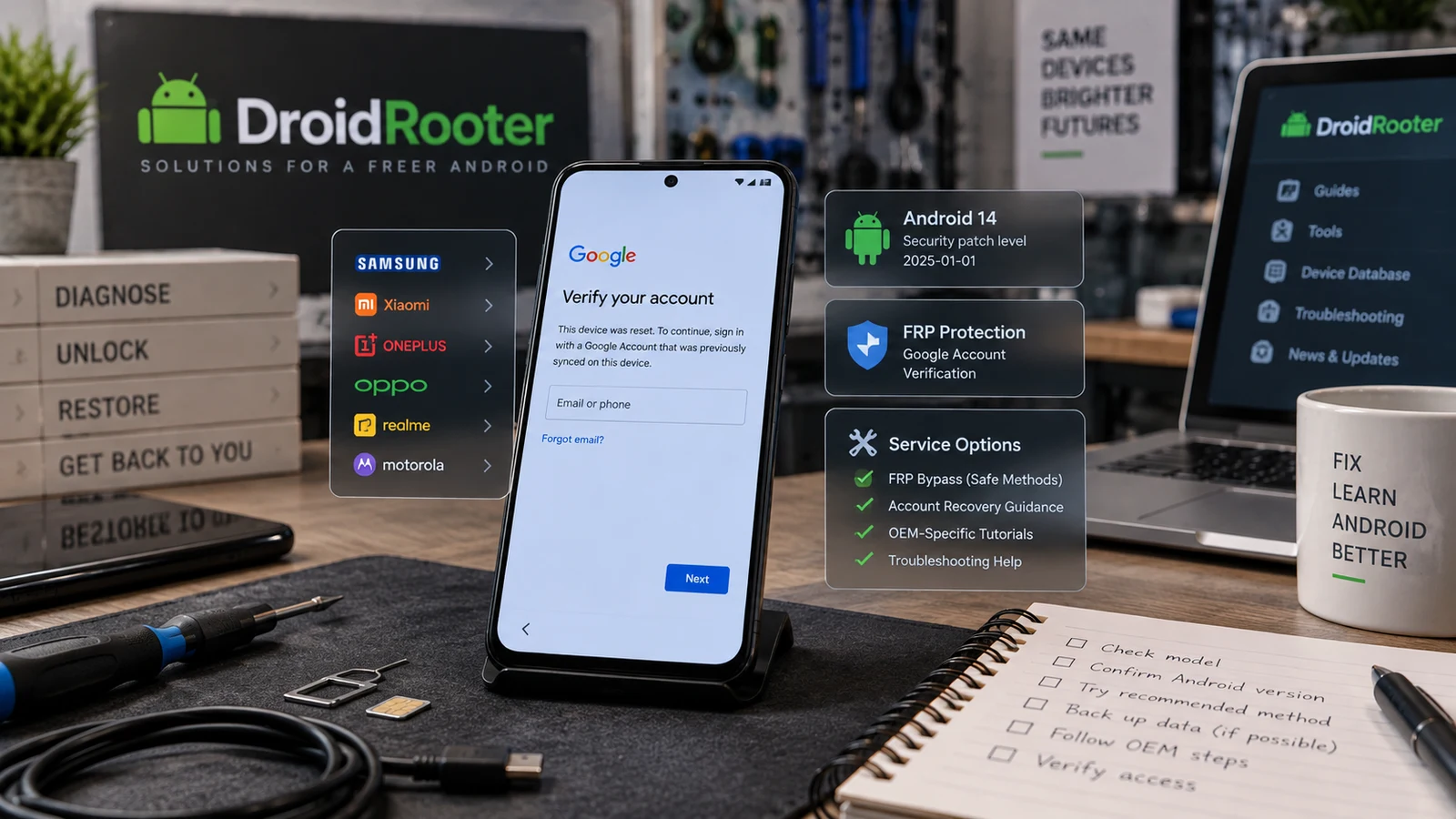
Android FRP Bypass Guide 2026
Stuck at Google verification after a reset? Identify the lock, review official recovery options and check your Android model for FRP service.