How to Install LSPosed in 2026: Vector, Zygisk, Magisk, KernelSU and APatch
The LSPosed zip most tutorials send you to stopped at Android 14 in 2023. Here is the maintained build, the Zygisk your root manager needs, exact install steps, how to verify it works and how to remove it.
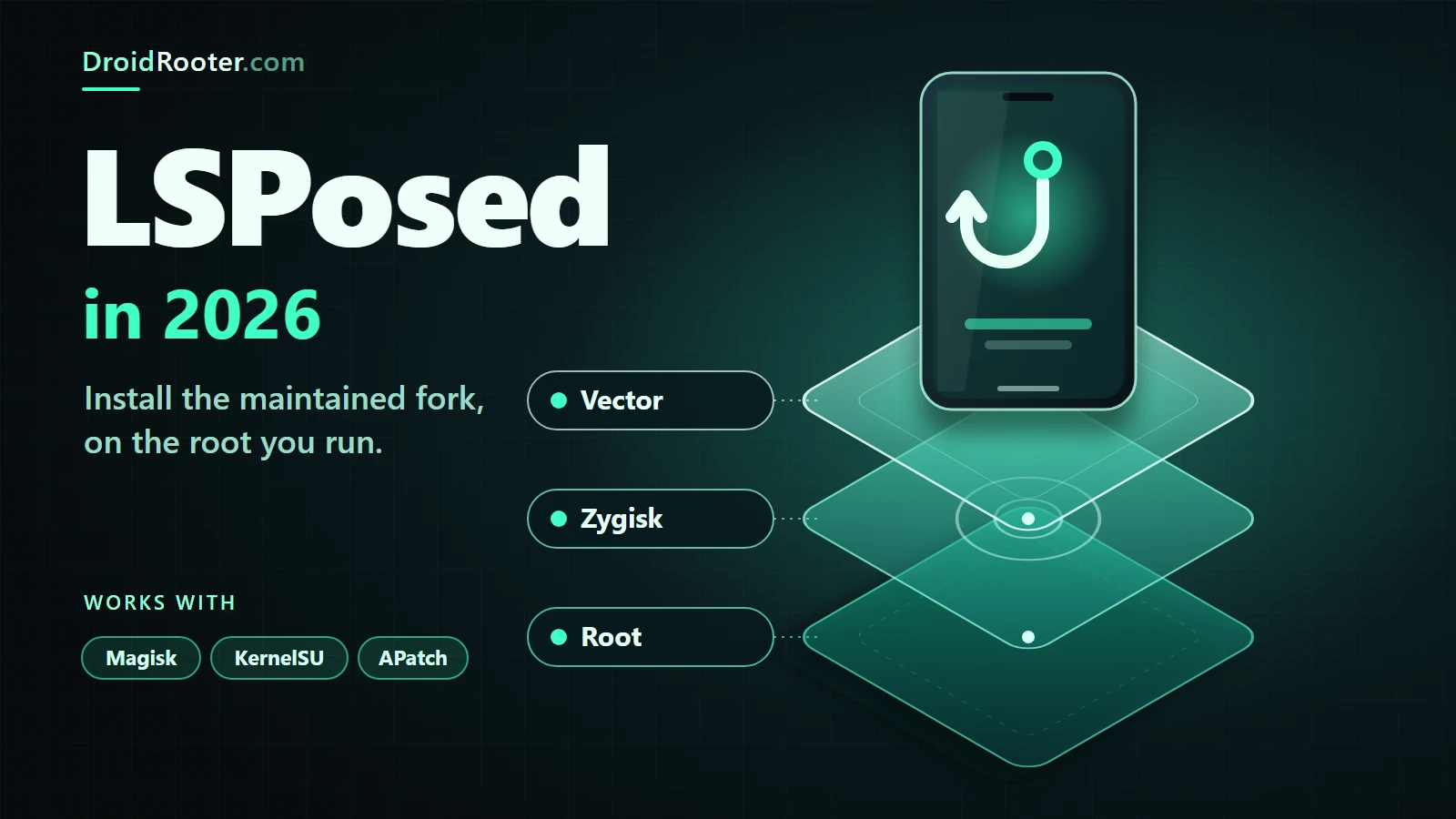
Table of Contents
- What LSPosed is, and what changed by 2026
- Xposed, EdXposed, LSPosed, Vector: one table
- Legacy API versus libxposed API
- Do you need this? What it can and cannot do
- Requirements by Android version and root manager
- Which build to install
- Before you start: backup and recovery
- Install on Magisk
- Install on KernelSU
- Install on APatch
- Choosing the Zygisk implementation
- Open the manager and verify it works
- The checklist: pass or fail
- Modules and scopes: how activation works
- Updating, and switching from original LSPosed to Vector
- Troubleshooting matrix
- Safe removal and rollback
- Security cautions
- Using the framework for DRVCAM
- Frequently asked questions
- Is LSPosed still maintained in 2026?
- How do I install LSPosed on Magisk?
- Does LSPosed work on KernelSU and APatch?
- Does LSPosed work on Android 15, 16 and 17?
- Why does the manager not open or not show a notification?
- Do I need Zygisk for LSPosed?
- Can I run it on a locked bootloader or with temporary root?
- Is it safe to download LSPosed APK files from other sites?
- The bottom line
- Sources and project documentation
You searched for LSPosed, found a 2023 tutorial that tells you to flash a zip, and now you are not sure that zip will even run on your Android version. That doubt is justified.
The short answer: in 2026 you install Vector, the maintained continuation of LSPosed, from its GitHub releases page, after your root manager has a working Zygisk environment. The original LSPosed v1.9.2 zip dates from October 2023 and its README stops at Android 14. Vector states support for Android 8.1 through 17 (its README says "17 Beta").14
The part most guides skip: KernelSU and APatch have no built-in Zygisk. On those you add a separate Zygisk module first, and you run only one Zygisk implementation at a time.1116
Sources checked November 5, 2026. This is a documentation-based guide, not a claim that DroidRooter tested every phone, ROM or module mentioned. Where a menu label is not verified, the text says so.
Jump to: What changed · Do you need it? · Requirements · Which build · Before you start · Magisk · KernelSU · APatch · Zygisk choices · Open and verify · Modules and scopes · Updating · Troubleshooting · Removal · Security · DRVCAM · FAQ
What LSPosed is, and what changed by 2026
LSPosed is an ART hooking framework: it lets small add-on programs called modules change how apps and system services behave, using the original Xposed API. It is delivered as a Zygisk module, so it runs inside processes that your root manager's Zygisk layer starts.1
The useful property is that hooks live in memory. No app APK is rewritten, so disabling a module and rebooting undoes the behaviour change. (Modules can still write files of their own, so "reversible" describes the hook, not everything a module might do.)4
Here is what happened to the project, with dates you can check:
- The original LSPosed repository has had no release since v1.9.2 on 2023-10-11 and no commit to its default branch since 2024-01-07. It is not archived, and other branches still receive pushes, so a GitHub visit may look busier than the releases page suggests. Its README lists "Android 8.1 ~ 14".12
- Vector is the former JingMatrix fork of LSPosed. Release v2.0 (2026-03-22) states that the project was renamed from LSPosed to Vector, with a rewritten Zygisk architecture. v2.1 (2026-08-02) is the first build on the modern libxposed API 101 and states Android 8.1 through 17, with a rebuilt manager. v2.2 (2026-08-04) is a hotfix for 2.1 that adds API 102 hot reload.5
- Only Vector states support for Android 15, 16 and 17. The original project has no statement for those versions, which is not the same as proof that it fails there.41
Xposed, EdXposed, LSPosed, Vector: one table
| Name | What it is | Status you can verify |
|---|---|---|
| Xposed (rovo89) | The original framework and API that modules are written against | Historic. Vector still credits its XposedBridge as the standard API source4 |
| EdXposed | Earlier ART-era continuation | Credited by Vector as upstream "before LSPosed"4 |
| LSPosed (original) | Zygisk (and earlier Riru) module, API-compatible with Xposed | Last release v1.9.2, 2023-10-11; README Android 8.1 to 1412 |
| Vector | Zygisk module continuing the LSPosed codebase | Stable v2.2 (2026-08-04); Android 8.1 to 17; README lists Riru as a struck-through historical dependency45 |
| Third-party forks (for example mywalkb/LSPosed_mod) | Independent forks with their own changes | Not endorsed here. That fork's README lists Android 8.1 to 15 Beta 2.17 |
You will also see forks and rebrands named only in video titles. We could not verify them and do not recommend any.
Legacy API versus libxposed API
Vector supports both the legacy Xposed API and the newer libxposed API.4 For you that means older modules keep loading, while newer modules may be written for libxposed and expect Vector specifically. The module's own page says which.
Do you need this? What it can and cannot do
LSPosed-family frameworks need root and Zygisk. That means a rooted phone, and rooting through Magisk or KernelSU needs an unlocked bootloader. Magisk's install guide says so directly, and so does the KernelSU FAQ.1011
Warning before you chase root for the first time: unlocking a bootloader normally erases the phone. On Samsung phones, Magisk's own documentation says first-time installation requires a full data wipe and permanently trips the Knox warranty bit.10 Back up first. If you are not rooted yet, read our Android rooting guide before anything else, and check your exact phone, because not every device can be rooted.
What a framework gives you is the ability to run modules that hook apps. What it does not give you:
- No guarantee that a given module works with a given app or Android build. Modules break when apps and Android change.
- No invisibility. Root and hooking can be detected, and some apps refuse to run. We make no undetectability claim and no promise about Play Integrity or banking apps.
- No "Xposed without root". Patched-APK and virtual-container tools exist and are a different technique with different trade-offs. We have not verified them and do not cover them.
If you want to know which modules exist, our Magisk and Xposed modules guide owns that question. This page stays on installing and fixing the framework.
Requirements by Android version and root manager
Read the row for your phone. "No maintained statement" is not a failure report.
| Android | Original LSPosed v1.9.2 | Vector | Notes |
|---|---|---|---|
| 8.1 to 14 | Stated (README "8.1 ~ 14")1 | Stated (8.1 through 17)4 | Both can apply; choose Vector, because the original is no longer released |
| 15 and 16 | No maintained statement | Stated4 | Magisk added Zygisk support for Android 16 QPR2 in v30.78 |
| 17 | No maintained statement | Stated: v2.1 notes "Android 8.1 through 17"5 | Magisk v31.0 changelog: "[Zygisk] Support Android 17 (API 37)"8 |
| Below 8.1 | Not stated | Not stated | Neither project documents it |
The root layer matters just as much:
| Root manager | Built-in Zygisk? | What the project states |
|---|---|---|
| Magisk | Yes, a toggle in Settings | The LSPosed wiki says Magisk 24.0+; Vector says "a recent installation". Current Magisk is v31.1, whose notes set a minimum of Android 7.0348 |
| KernelSU | No | Officially GKI 2.0 kernels 5.10+; older 4.14+ kernels need a manual kernel build. v3.3.1 is current1411 |
| APatch | No | arm64 only; kernels 3.18 to 6.12. Build 11282 is current15 |
KernelSU's FAQ answers the framework question itself: you can use LSPosed or another modern Xposed derivative with Zygisk Next.11 APatch's FAQ says it has no built-in Riru or Zygisk and that you add Zygisk through APatch modules.16
Which build to install
| Your situation | Install | Do not |
|---|---|---|
| Magisk, any current Android | Vector stable Release zip plus Magisk's built-in Zygisk | Add a second Zygisk module on top |
| KernelSU | One Zygisk implementation plus the Vector Release zip (see the metamodule note below) | Keep Magisk installed alongside |
| APatch | One Zygisk implementation (as an APatch module) plus the Vector Release zip | Use Zloader (explained below) |
| A zip from a site, chat group or file host | Nothing. Get the file from the releases page instead | Flash it |
| Android 7.x or older | Neither project supports it | Try anyway |
Naming pattern, so you can spot the real file: Vector stable assets look like Vector-v2.2-3080-Release.zip and Vector-v2.2-3080-Debug.zip. The original project's last assets were LSPosed-v1.9.2-7024-zygisk-release.zip and a Riru twin.52 If the release page lists a checksum, compare it with your download.
Release or Debug? Vector's README recommends Debug builds for people troubleshooting and says bug reports are accepted only from the latest debug build. For daily use, take Release.4 Canary builds are CI prereleases; most readers should run stable.5
Before you start: backup and recovery
A framework runs inside every ticked app's process, and a bad module can stop the phone from booting. Prepare the way back first.
- Back up your data. Do this regardless of the framework, since you are about to flash modules as root.
- Keep the stock boot or init_boot image for your exact build. Our guide to getting the correct boot or init_boot image shows how, and Magisk flash failed recovery covers the usual rescue.
- Know your Safe Mode route.
- Magisk: its FAQ says two failed boots in a row put it into a Safe Mode that disables all modules and Zygisk. You can also run
magisk --remove-modulesover adb, or reboot to Safe Mode from the app's reboot menu. The FAQ describes the key-combination timing, which can be fiddly.9 - KernelSU: its rescue page says to press and release volume-down more than three times after the first boot screen. The page warns that the timing may not trigger on fast-booting devices, that a bad init rc line still runs in Safe Mode, and that you should never install modules from unknown sources.13
- If you do end up in a loop, our Android boot loop guide and boot loop without losing data are the next stops.
Install on Magisk
Magisk has Zygisk built in, so this is the shortest path. Menu labels shift between Magisk versions; the Settings toggle below is the one our DRVCAM install guide documented with screenshots on a Magisk 31.x phone.20
- Turn Zygisk on. Open Magisk → Settings, find the Zygisk switch in the Magisk section and enable it. Magisk asks for a reboot.
- Reboot, and confirm that Magisk's Home screen now reports Zygisk: Enabled.
- Download Vector from the project's releases page (
github.com/JingMatrix/Vector/releases): the stableRelease.zip, not "Source code". - Modules → Install from storage, pick the zip, and let it finish.
- Reboot.
- Open the manager using one of the three routes in the next section.
Vector's README gives the same sequence in its own words: install through your root manager, make sure a Zygisk environment exists, reboot, then reach the settings through the system notification.4
Do not also install a standalone Zygisk module while Magisk's built-in Zygisk is on. ReZygisk's README tells Magisk users to disable the built-in one because the two conflict, and Zygisk Next's requirements say Magisk's built-in Zygisk must be off.1817
One version note: Magisk v31.1 removed reactive superuser prompts, so apps are granted access ahead of time in the Superuser tab.8 That matters for the Shell-root step in the troubleshooting matrix.
Install on KernelSU
- Confirm your KernelSU manager shows working root. KernelSU officially supports GKI 2.0 kernels 5.10 and above.14
- Do not run Magisk alongside it. KernelSU's documentation says its module system conflicts with Magisk's magic mount: if any module is enabled in KernelSU, Magisk stops working entirely.11
- Decide about a metamodule. KernelSU 3.x introduced metamodules, and its page says that without one, modules are not mounted. The FAQ qualifies this: a metamodule is needed for modules that modify files under
/system, while scripts, sepolicy andsystem.propwork without one.1211 We have not isolated whether Vector needs a mounted module. Our own DRVCAM install guide documents a KernelSU phone running Zygisk Next and Vector without mentioning a metamodule.20 If any of your other modules touch/system, install a metamodule as the KernelSU page describes (for example meta-overlayfs, through the manager's add button, then reboot; only one at a time). - Install one Zygisk implementation from the Modules tab (Zygisk Next, ReZygisk or NeoZygisk; see the comparison). Reboot.
- Install the Vector Release zip the same way. Reboot.
- Open the manager (next section).
Zygisk Next's README lists a minimum KernelSU of 10940 and a minimum KernelSU manager (ksud) of 11575.17 Current KernelSU v3.3.1 is well past both, but check the README of whichever implementation you choose.
Install on APatch
- APatch must be arm64, and your kernel must fall inside its stated 3.18 to 6.12 range.15
- In the APatch manager, open the module list (APM), install one Zygisk implementation zip and reboot. Labels vary by version.
- Install the Vector Release zip and reboot.
- Open the manager (next section).
Three APatch notes. First, its FAQ lists a project called Zloader as an alternative but says it has had no commits since v0.1.3, no longer recommends it, and that it is incompatible with any Zygisk implementation. We do not recommend it either.16 Second, APatch's README states that the SuperKey has higher privileges than root access, so treat it like a root password.15 Third, if a module install fails with a shell-related error, the APatch FAQ advises removing root from the Shell app. That is the opposite of one Vector troubleshooting step, covered in the matrix below.166
Choosing the Zygisk implementation
Vector, KernelSU and APatch all name these three without ranking them. The one rule they share: install exactly one.41116
| Zygisk Next | ReZygisk | NeoZygisk | |
|---|---|---|---|
| Maintainer | Dr-TSNG | PerformanC | JingMatrix (also Vector's maintainer) |
| Latest stable at check | v1.5.2 (2026-10-15) | v1.0.0 (2026-05-10) | v2.4 (2026-08-08) |
| Licence | README: from v4-0.9.2 no longer GPL-3.0, all rights reserved. The APatch FAQ likewise says releases after 0.9.1.1 became proprietary1716 | AGPL 3.0, open source18 | Public repository; ptrace-based injection19 |
| Targets | KernelSU, Magisk (built-in off) | KernelSU, APatch, Magisk (built-in off) | KernelSU, APatch; also a replacement for Magisk's Zygisk |
| Worth knowing | Requires no other root implementation installed | Fork of Zygisk Next | Per-app "Umount modules" option on APatch and KernelSU; leave Magisk's "Enforce DenyList" off |
Which one you pick is a trust and licensing preference as much as a technical one. The licence row is a fact you may want when choosing software that runs as root, not a quality ranking. If you already have a working setup, you do not need to change it.
Open the manager and verify it works
There is no separate manager APK to download. Vector's manager ships inside the module.6 Three ways to reach it, from the maintainer's own troubleshooting guide:
- The system notification after reboot (the README route).
- The root manager's Action button on the Vector module, if the notification does not show. Update Magisk or KernelSU first.
- Install the manager as an ordinary app from the module folder over adb:
adb shell su -c cp /data/adb/modules/zygisk_vector/manager.apk /data/local/tmp && adb pull /data/local/tmp/manager.apk && adb install ./manager.apk
If the manager still will not open, the same guide says to grant root to the system Shell (com.android.shell) first. Read the warning in the troubleshooting matrix before doing that.6
The v2.1 manager was rebuilt in Jetpack Compose, so this guide describes screens by function rather than quoting labels.5
The checklist: pass or fail
- [ ] Your root manager shows Zygisk enabled (Magisk Home), or lists exactly one Zygisk module as enabled (KernelSU and APatch).
- [ ] The Vector module is listed and enabled in the root manager.
- [ ] The Vector manager opens and its home screen reports the framework as active.
- [ ] A real test. Install one small module you trust and whose source you can read, enable it, tick one target app as its scope, force-stop that app and reopen it. If the module's effect appears, the whole chain works.
If any line fails, jump to the matrix. The last line matters because a framework can report "active" while a module still does nothing.
Modules and scopes: how activation works
Three conditions must hold together before a module acts on an app:
- The module is enabled in the manager.
- The target app is ticked in the module's scope.
- The target process was restarted after both.
The LSPosed wiki describes the same flow: modules install as regular apps, you switch the module on, then choose where it applies. Many modules display a recommended scope, which the manager selects automatically. Modules that do not hook system services only need the target app restarted; modules that hook the system framework need a reboot. LSPosed deliberately has no "Select All" for obsolete modules, and ticks should stay narrow: LSPosed injects only into ticked apps and leaves the rest in a clean environment.3
Multiple users: the wiki says the manager lives on the primary user and shows a tab per user. Install a module in the user profile where it should work.3
Hot reload: Vector v2.2 added hot reload for libxposed API 102 modules, so such modules can be swapped without killing the target process. Older modules still follow the restart rule.5
The manager also has a Repository page for finding modules. We do not list modules here; use the modules guide for choice and caution.
Updating, and switching from original LSPosed to Vector
Updating Vector: install the new zip over the old one through your root manager's Modules screen, then reboot. If you installed the manager as a separate app on 2.1, the v2.2 notes say to uninstall it before updating.5 If something breaks after an update, try the latest Debug build before filing a report, as the README asks.4
Switching from LSPosed v1.9.2:
- Disable your modules in the old manager, remove the old LSPosed module in the root manager, and reboot.
- Install Vector as described above. Do not run two frameworks.
- Re-check every module's scope afterwards. We could not verify that module configuration carries over from LSPosed to Vector, so assume it does not.
After an Android or security update: update the root layer first, then the framework. The Magisk changelog shows that Zygisk support for new Android releases arrived in specific versions (16 QPR2 in v30.7, Android 17 in v31.0).8 We have not verified why any particular update broke any particular phone; check the projects' issue trackers for your build.
Troubleshooting matrix
The "likely cause" entries are our synthesis of what the documentation implies, not a ranking by frequency. Evidence tiers: P is a project document, C is a user report.
| Symptom | Likely cause | What to do | Tier |
|---|---|---|---|
| Framework shows not installed or not active after flashing | Zygisk is off; two Zygisk implementations in play; no reboot; module not enabled in the root manager | Check Magisk Home for "Zygisk: Enabled". On KernelSU and APatch keep one Zygisk module. On Magisk, built-in Zygisk and a standalone Zygisk module should not both be on. Reboot | P18174 |
| No notification | Root manager out of date | Update it, then use the Vector module's Action button | P6 |
| Manager will not open | Notification route unavailable | Install manager.apk over adb (command above). As a last resort, grant root to com.android.shell. That gives adb shell root, which is a real security cost, and APatch's FAQ advises the opposite for module installs. Revert it afterwards |
P616 |
| Manager still not functioning | Manager broken | The maintainer's guide names a command-line tool at /data/adb/vector/cli. A later user wrote a different folder (/data/adb/lspd/cli), so check the path on your version |
P and C6 |
| Module enabled but does nothing | Scope not ticked; target not force-stopped; system-framework module needs a reboot; module not built for your Android version | Re-tick the scope, force-stop the app, reboot if the module hooks the system | P3 |
| "Works" in the manager on Android 15, but modules do nothing (one fork's tracker) | Unknown; we did not identify a cause | Update Vector, Magisk and the Zygisk module, then read the tracker for your framework. Treat as unverified | C7 |
| Bootloop after install | A module or framework conflict | Magisk: let it enter Safe Mode after two failed boots, or run magisk --remove-modules over adb. KernelSU: the volume-down Safe Mode. Then see our boot loop guide |
P913 |
| Works, then stops after an OS or security update | New Android build against old root or framework | Update root first, then Vector. If nothing documents your build, wait and watch the tracker | P8 |
| NeoZygisk behaves oddly on Magisk | Magisk "Enforce DenyList" interference | NeoZygisk's README says to leave Enforce DenyList off | P19 |
| Magisk stops working after installing KernelSU modules | Both root implementations installed | Keep one root solution only | P11 |
| Need logs for a bug report | Not a fault | Use the log export in the Vector manager, from a Debug build. Maintainer posts name two folders (/data/adb/lsp/log and /data/adb/lspd/log), so do not rely on a path |
P46 |
| An app notices root or hooks | Detection | Out of scope here, and no promise either way | n/a |
If Zygisk itself crashed, the maintainer's guide includes a command that pulls Vector's daemon logs from the data directory; copy it from the source rather than from memory.6
On GrapheneOS and other hardened systems: Vector v2.1's notes mention a fix for its manager under GrapheneOS's dynamic-code-loading restrictions.5 Community posts describe switching off further protections to get it working. That lowers the security of a hardened OS on the strength of one person's report, so we do not recommend it.6
Safe removal and rollback
Order matters.
- In the Vector manager, disable the modules (or all modules), then reboot. This alone usually returns apps to normal, because hooks are applied in memory.4
- In the root manager, disable or remove the Vector module, then reboot.
- Remove the Zygisk implementation only if nothing else on the phone needs it. On Magisk you can simply turn the built-in Zygisk toggle off.
- In an emergency, use the Safe Mode routes from Before you start.
Some modules write their own files and settings. Removing the framework does not undo those.
Security cautions
You are combining root with software that injects into other apps. Treat that seriously.
- Modules run with the reach of root. KernelSU's documentation warns that modules have root privileges and can cause irreversible damage, and tells readers not to install modules from unknown sources.13
- Download from the project's GitHub releases page only. Match the asset name to the pattern in Which build. Vector's README warns that CI builds from pull requests are often unstable and potentially unsafe; stick to master-branch builds. GitHub requires a login to download CI artifacts.4
- "LSPosed APK" sites are a poor source. There is no standalone manager APK in the normal flow, so a page offering one is not offering what the project distributes. The top video results for install queries also link zips on file-sharing hosts. We say that as an observation about the search results, not about any uploader's intent.
- Privacy. A module can read what the hooked app sees. Tick only the apps a module needs.
- APatch SuperKey is as sensitive as root itself.15
Using the framework for DRVCAM
DRVCAM is a virtual camera for rooted Android. Its product page says it runs on rooted Android 9 to 17 with an Xposed framework such as LSPosed, and our DRVCAM install guide uses Vector in that role, with screenshots from a Magisk phone and a KernelSU phone that end in the same state.2120 What happens after the framework is in place is covered in the DRVCAM user manual and in how a virtual camera works on rooted Android.
The honest limits are DRVCAM's own: it needs root, and compatibility depends on your phone, your Android build and the apps you point it at. A working framework guarantees none of that. Use it only on your own phone and for lawful purposes.
The bottom line
In 2026, "install LSPosed" means: confirm your root manager, give it exactly one Zygisk, install Vector from its GitHub releases, open the manager, and prove it with one scoped test.
Do not install the 2023 zip because a tutorial said so. Do not stack two Zygisk implementations. Know your Safe Mode route before you flash anything. And treat every module as software with root-level reach, because it is.
Next step: if you are setting up DRVCAM, continue with our DRVCAM install guide and the DRVCAM page. It needs a rooted phone, and results depend on your phone, Android build and apps. If you are stuck in a bootloop or cannot get root working, DroidRooter offers remote rooting and recovery help. The service checks the exact device first and says plainly when a path is not safe to attempt. Not sure your phone can be rooted at all? Start with the rooting guide, and back up first.
Last verified, November 5, 2026 (re-check before relying on these): Vector v2.2 (2026-08-04), Magisk v31.1, KernelSU v3.3.1 (2026-10-12), APatch 11282 (2026-10-15), ReZygisk v1.0.0, NeoZygisk v2.4, Zygisk Next v1.5.2 (2026-10-15).
Sources and project documentation
-
LSPosed (original): official README. Description, "Android 8.1 ~ 14", Magisk 24+ install note. ↩↩↩↩↩↩
-
LSPosed releases. v1.9.2, published 2023-10-11, zygisk and riru assets. ↩↩↩↩
-
LSPosed wiki: How to use it. Enabling Zygisk, modules and scopes, recommended scope, multi-user behaviour. ↩↩↩↩
-
Vector: official README. Android 8.1 through 17 Beta, installation steps, debug-build and CI-artifact warnings, legacy and libxposed API support, credits. ↩↩↩↩↩↩↩↩↩↩↩↩↩↩↩↩↩↩↩↩↩
-
Vector releases. v2.0 rename, v2.1 libxposed API 101 and Android 17, v2.2 hotfix and API 102 hot reload; asset naming. ↩↩↩↩↩↩↩↩↩↩
-
Vector troubleshooting guide, issue 123. Maintainer instructions for the notification, Action button, manager.apk install, Shell root and logs; a later user comment is community tier. ↩↩↩↩↩↩↩↩↩↩↩
-
mywalkb/LSPosed_mod. Third-party fork, listed for context and not endorsed. ↩↩
-
Magisk changelog. Zygisk support for Android 16 QPR2 (v30.7) and Android 17 (v31.0); v31.1 changes. ↩↩↩↩↩↩↩
-
Magisk FAQ. Bootloop protection,
magisk --remove-modules, Safe Mode. ↩↩ -
Magisk installation guide. Unlocked-bootloader requirement; Samsung data-wipe and Knox warnings. ↩↩↩
-
KernelSU FAQ. Xposed with Zygisk Next, unlocked bootloader, Magisk conflict, GKI 5.10+, metamodule scope. ↩↩↩↩↩↩↩↩↩↩
-
KernelSU metamodules. Module mounting and metamodule installation. ↩
-
KernelSU: rescue from a bootloop. Safe Mode procedure and its caveats; unknown-module warning. ↩↩↩
-
KernelSU repository. Releases, supported architectures and kernels. ↩↩
-
APatch repository. arm64 only, kernel range, SuperKey warning, releases. ↩↩↩↩
-
APatch FAQ. Zygisk through modules, Zloader status, Shell root advice, Zygisk Next licence note. ↩↩↩↩↩↩↩↩
-
Zygisk Next repository. Requirements, licence statement, releases. ↩↩↩↩
-
ReZygisk repository. AGPL 3.0, supported root managers, built-in Zygisk conflict warning. ↩↩↩
-
NeoZygisk repository. Ptrace-based injection, per-app unmount option, Enforce DenyList note. ↩↩
-
DroidRooter: Install DRVCAM on Magisk, KernelSU and APatch. Our own screenshots of the Magisk Zygisk toggle and a KernelSU phone running Zygisk Next and Vector. ↩↩↩
-
DRVCAM. Product page: rooted Android 9 to 17 with an Xposed framework. ↩
Frequently asked questions
Is LSPosed still maintained in 2026?
How do I install LSPosed on Magisk?
Turn on Zygisk in Magisk settings, reboot, install the Vector Release zip from its GitHub releases page through Modules → Install from storage, reboot, then open the manager from the notification. The full steps are in the Magisk section.4
Does LSPosed work on KernelSU and APatch?
Does LSPosed work on Android 15, 16 and 17?
Why does the manager not open or not show a notification?
Update your root manager and use the module's Action button, or install the manager APK from the module folder over adb. Granting root to the system Shell is the last resort and has a security cost.6
Do I need Zygisk for LSPosed?
For LSPosed-family builds, yes. Riru is historical: Vector lists it among dependencies it no longer uses.4
Can I run it on a locked bootloader or with temporary root?
Is it safe to download LSPosed APK files from other sites?
No. Use the project's GitHub releases page. In the normal flow the manager ships inside the Vector module rather than as a separate download.6
Related guides
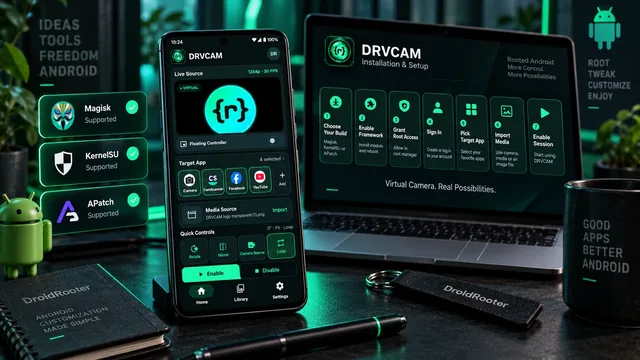
How to Install DRVCAM on Rooted Android (Magisk, KernelSU or APatch)
A step-by-step DRVCAM setup: choosing the right build, enabling Zygisk and an Xposed framework, granting root, signing in and enabling your first target app.
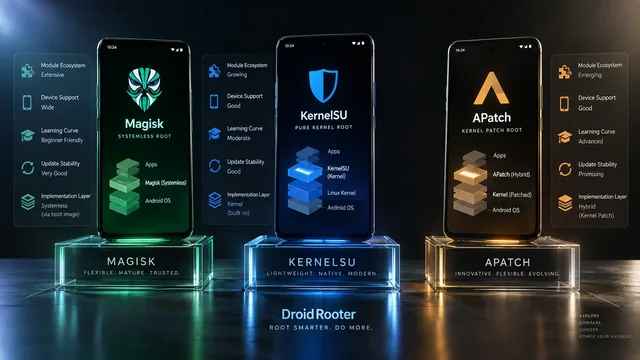
Magisk vs KernelSU vs APatch — Best Root in 2026?
Magisk vs KernelSU vs APatch in 2026 — full comparison plus expert advice on which root solution is right for your phone, your needs and your skill level.
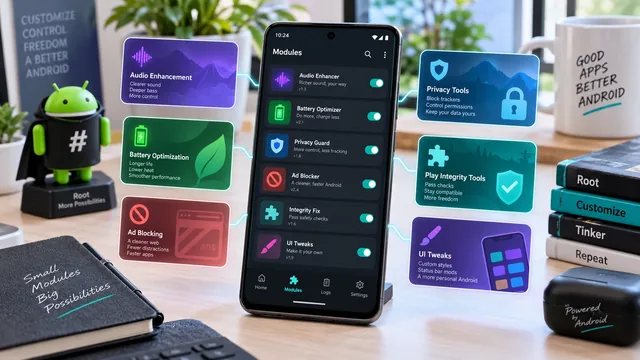
Best Magisk Modules in 2026: Verified Sources, and What's Been Discontinued
Rewritten from scratch and verified project by project. Six widely recommended modules no longer exist, several popular picks are not modules at all, and every link here points at the maintainer's own repository.